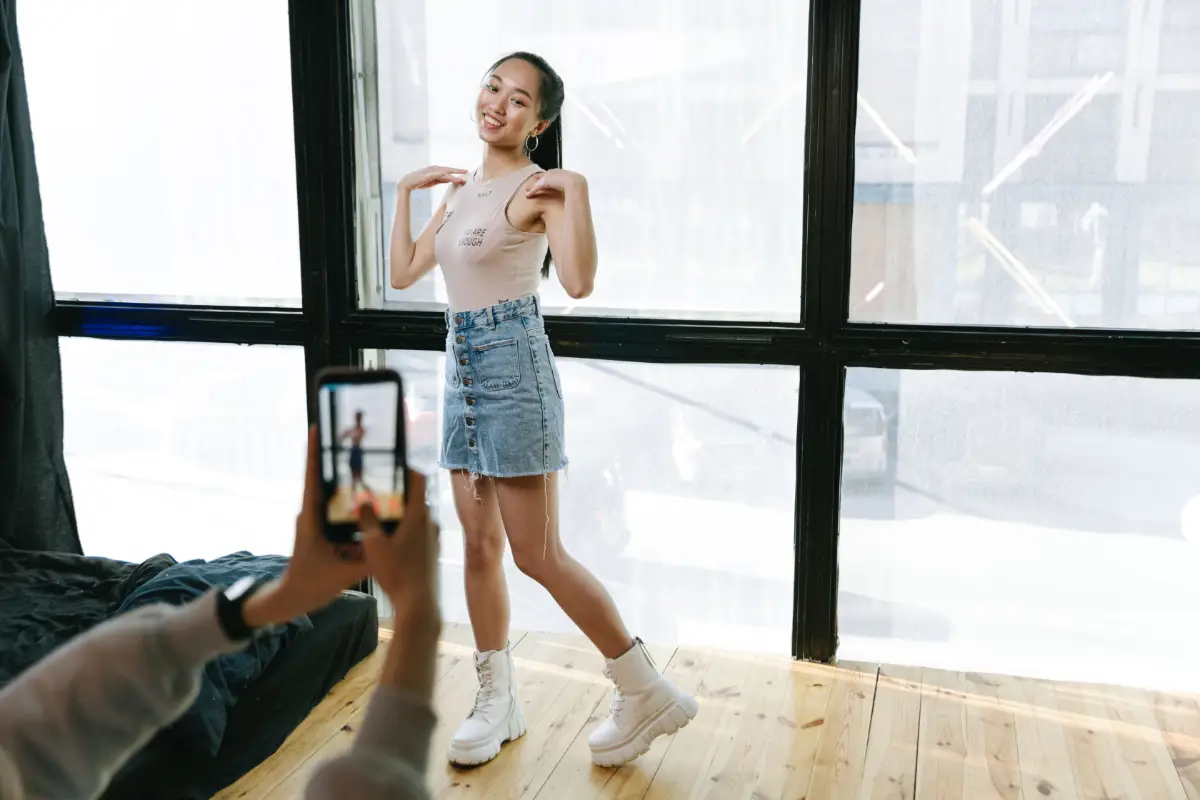
Making videos and posting them on all social media is like a daily practice for content creators. They make videos, edit them, apply filters, and finally upload them on all their social channels. Watching a video seems interesting, easy, and lucrative. However, the reality is completely opposite to these facts. Making a video needs a lot of effort, paid tools, and expertise to make it viral. If you are a content creator, these 10 free AI TikTok video generators will make you a successful creator without draining your budget on expensive software.
Whenever your video starts getting viral, all you need is a good tool to make videos in bulk and get them posted regularly. Some of the tools claim they are free to sign up and make a completely unlimited video. There are hidden things they do not let you know. When you put effort in for long hours, finalize the video, and click to download, they ask you to pay for a subscription or get a video with a watermark.
If you are a person who has faced hardship in finding the best and free AI TikTok video generators, fortunately, you have landed on the right page.
Why “Free” Doesn’t Always Mean Watermark-Free
A watermark works as a sort of invisible fee. The platform hands over access at zero cost, while its own logo tags along on each video shared. Smart business move for companies. Yet, creators who do not see it coming might feel annoyed.
Most apps tuck news about watermarks deep under rules or pricing info. Many creators spot the logo only after investing time. The surprise may feel sharp right then.
This article does the hard work. Some names on the list let you export spotless work even for free. Others glue a brand to every clip. A few seem to float between both sides, allowing clean videos only in specific situations. Readers get simple facts before they invest any energy in a tool.
What “Free” Actually Means Here
Words like “free” in AI platforms might mean many things. One company may give “free forever, but with limits.” Another allows “a few free exports, then charges.” Someone else offers “free creation, but paid downloads.” Knowing the flavor of “free” probably saves headaches later.
Before anyone trusts just one website, four big levers shape every experience. If spotless video is your main goal, checking these AI video generators without logos against the four forces below can clear the road ahead.
- Credits and quotas: Most free tiers hand you a set number of credits or generations. Once you run dry, you either wait for a monthly reset or pay to keep going.
- Resolution caps: Free plans often lock you into lower resolution. Your clip might look fine on a phone but soft on bigger screens, while paid tiers unlock crisper output.
- Watermark status: The real dividing line. A clean export carries nothing extra. A branded one wears the tool’s logo, sometimes right where your face should be.
- Commercial use rights: Some tools let free output go public and earn money. Others restrict free clips to testing only, which is a problem for creators posting seriously.
Check these four tips before building a habit around any tool:
- How many credits really come free
- What video size or sharpness you can use
- Clean exports or hidden marks
- Commercial rules on sharing finished clips
A maker might feel generous with free tries but only give lower quality. Another platform possibly allows clean videos yet blocks business use. Knowing each catch helps creators avoid losing an afternoon or sharing something they cannot keep.
10 Free AI TikTok Video Generators
The list has been checked and confirmed by our team. It contains the best tools used by mainstream content creators. You can read the review and select one that perfectly matches your requirements.
1. Canva
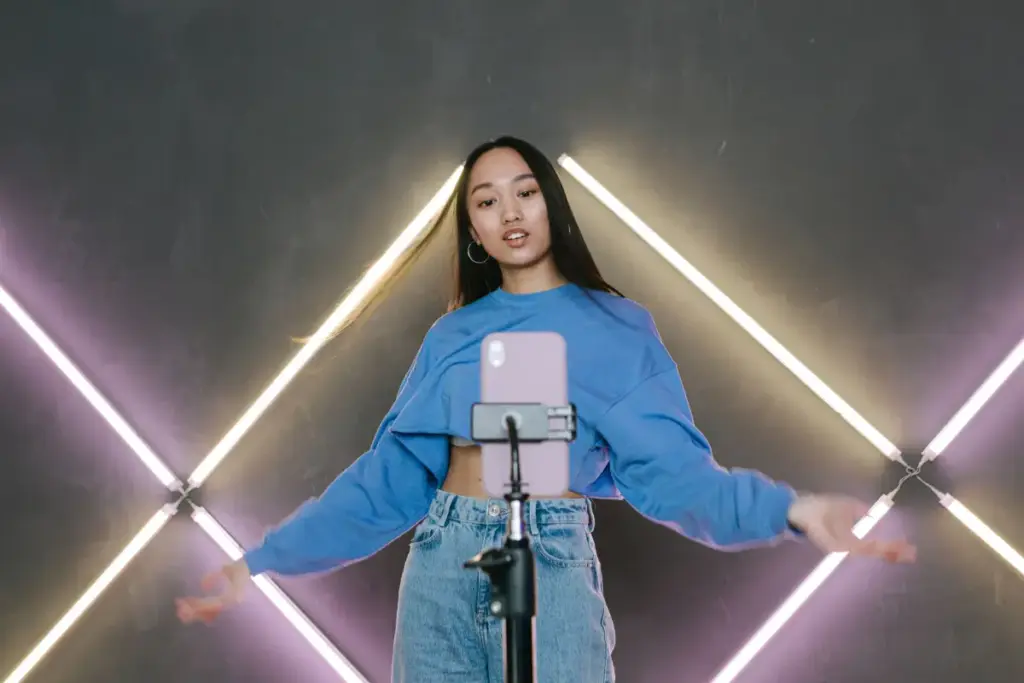
Canva places smart video helpers inside a wider design package. Many already trust the brand for artwork. Templates, text-to-video tools, and a Magic Media builder all shape videos ready for TikTok’s tall screen. A basic Canva plan might let you try a small set of AI videos each month before asking for payment. The best part: clips from a normal Canva free account come out with no logo, so TikTok videos stay clean. Some fancy features or graphics might sit behind a paywall, so watch for locked extras before adding them to your project.
Pros:
- Easy drag-and-drop editor
- Huge free template library
- No watermark on free elements
- Integrates with existing designs
- Good for quick social posts
Cons:
- Weak AI generation quality
- Pro assets add a watermark
- No AI avatars available
- Limited to short clips
- Basic AI compared to rivals
2. CapCut
CapCut likely feels natural for anyone who spends time on TikTok. Huge editing possibilities seem open to everyone. The artificial intelligence features seem to include instant captions, background cutting, and even turning words into video. Free features might surprise, because many rivals block advanced tools behind paywalls. Quite complex edits stay available without any charge. The watermark situation feels less predictable. Usually, regular exports come out without any logos. Some artificial intelligence tricks and special templates, though, almost always stamp the CapCut name unless you pay. Eyeballing the effect label helps, because the logo only sneaks in through specific options, not every time.
Pros:
- Fully free desktop editor
- No watermark on manual edits
- Owned by ByteDance directly
- Built specifically for TikTok
- Wide effects and template range
Cons:
- AI clips need credits
- AI exports carry a watermark
- Privacy concerns over data
- Steep learning curve for AI
- Credits run out fast
3. Meta AI
Meta AI brings video creation right into apps and the smart assistant. Just type what you want to see, and short clips seem to appear almost instantly inside chat. Where you live probably matters, because some areas may not have full access yet. No extra money needed, since Meta connects the feature to its larger group of services, not a monthly plan. Generated videos almost always display an artificial intelligence or Meta tag for honesty, acting like a watermark. For anyone hoping for spotless, unbranded videos, Meta AI will likely disappoint.
Pros:
- Unlimited free video generation
- No watermark ever added
- Simple prompt-based workflow
- Easy image to video
- Backed by a major brand
Cons:
- Requires a Meta account
- Less cinematic than rivals
- Limited creative control options
- No advanced editing tools
- Newer and less proven
4. Kling AI
Kling AI grabs attention by making motion look unusually real, especially when humans move or the scene changes. Any person can give a prompt or a simple picture, and Kling puts together a video based on that input. All free users get a handful of credits that refill each day, so experimenting stays easy without any bill. Here comes the catch: all free creations show a Kling logo until you pay for the higher plan. For anyone testing ideas, the free level feels perfect. For finished, polished videos, others will probably spot the watermark.
Pros:
- Generous daily free credits
- Strong motion realism quality
- Good for testing prompts
- Active daily credit reset
- Wide model options available
Cons:
- Watermark on every export
- No commercial use free
- Short five-second clips
- Credits reset and don’t roll over
- Slower queue for free users
5. Runway
Runway probably sits at the top for people who want full power over movement and visual style. The artificial intelligence models in Runway transform words and pictures into dramatic, short scenes. The controls push for careful, thoughtful use. Free credits arrive just once, with no monthly top-up, so they might disappear quickly. Any free output from Runway almost always shows the Runway brand. Only paid members get watermark-free downloads. Trying out the free credits helps you see if Runway matches your taste before committing cash.
Pros:
- High-quality Gen-4 output
- Access to top AI models
- One-time credits still usable
- Full ownership of content
- Trusted by many professionals
Cons:
- Free credits never refresh
- Watermark on all exports
- No commercial rights free
- Limited to twenty-five seconds
- Newer models locked away
6. Pika
Pika probably brings a playful touch to making videos from words, with a vibe that feels open and full of community. Imagine describing a wild idea, and then Pika pops back with a fun, cartoon-like clip. Free playtime comes from monthly credits, enough for hobby use but not for heavy, daily editing. Free videos always show the Pika logo. No logo means moving up to the paid level. People who enjoy sharing inside the group probably ignore the branding. For those aiming at wider TikTok fame, spotless videos might matter more.
Pros:
- Fun creative effects suite
- Unique transformation tools available
- Monthly free credit refresh
- Good for short clips
- Simple and quick prompts
Cons:
- Watermark on free exports
- Capped at low resolution
- No commercial use free
- Credits expire every month
- Less realistic than rivals
7. Renderforest
Renderforest offers a toolbox for video, logo, and design work. Artificial intelligence features sit on top. For TikTok, the platform brings templates and text-to-video features. Editing skills may not be needed here. People can string together a clip with little effort. Free mode has limits. Only short and low-resolution clips come out unless you pay. Free videos carry a clear Renderforest logo. Anyone who wants clean results will probably need to pay. As a quick way to build TikTok snippets, Renderforest gets the job done. However, posting serious projects will probably mean upgrading first.
Pros:
- All-in-one creative suite
- Includes logos and websites
- Large template library available
- Good for branded content
- Affordable paid upgrade option
Cons:
- Heavy watermark on free
- Low-resolution free exports
- Limited monthly storage space
- Short video length cap
- Outdated editor feel overall
8. HeyGen
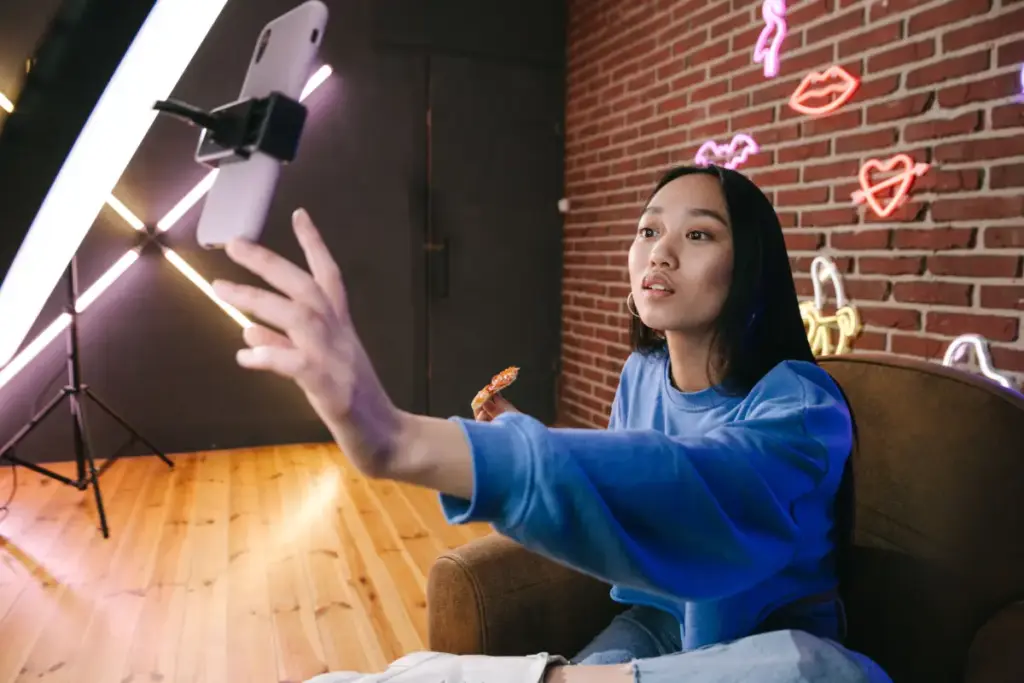
HeyGen puts the spotlight on AI avatars and talking-head videos. People who do not want to film themselves get a digital spokesperson. Pick an avatar. Type a script. HeyGen creates a video and matches the lips to your words. Free access stays limited. Only a few short clips come each month. Free HeyGen videos always show a watermark. Unbranded videos unlock with a subscription. Faceless creator channels can try HeyGen to great effect. Still, anyone craving a polished, logo-free appearance will probably need a paid account.
Pros:
- High-quality AI avatars
- Wide language support offered
- Good for talking head videos
- Permanent free plan access
- Easy to test quickly
Cons:
- Only three free videos
- Watermark on every export
- Capped at low resolution
- No commercial use free
- Limited avatar choices free
9. InVideo AI
InVideo AI brings words to life. Give a prompt. Get back a full video with music, voiceover, and stock footage. The tool arranges a rough draft. Want changes? Enter more prompts. Free use means a limit. Only a handful of minutes per week get produced. Any free InVideo video bears clear branding. Remove the logo with a paid tier. The prompt-based flow feels like magic for early ideas. Still, that watermark may keep most free users in test mode, not publishing mode.
Pros:
- Prompt-to-video AI
- Access to many AI models
- Good for scripted content
- Long videos from one prompt
- Wide voice option range
Cons:
- Heavy watermark on free
- Very limited free minutes
- Confusing separate credit pools
- Premium stock fully locked
- Free plan feels restrictive
10. Viggle AI
Viggle AI takes static creatures and fills them with movement. Think dance-mapping, memes, and fun stunts. The platform uses a credit system. Free credits offer a few tries before you need to upgrade. Watermarks appear on every free Viggle clip. Clean content means you need to pay. For meme makers, Viggle’s narrow focus helps catch onto trends. The free plan encourages bold experiments, but that mark will join anything you post outside the platform.
Pros:
- Fun photo to dance
- No signup required option
- Several free videos daily
- Simple and quick to use
- Popular for TikTok trends
Cons:
- Watermark status not verified
- Limited to dance style
- Less versatile than rivals
- Requires a clear reference photo
- Newer and less documented
Turning Trends Into TikTok Content
Generators might only solve half the puzzle. Success often comes from what creators do with their output. TikTok usually rewards clips riding a current wave. Matching a tool with a live trend probably gives your content a better shot at the feed.
A viral sound, a challenge, or a look sometimes spreads across TikTok overnight. When a dance craze starts, Viggle drops characters straight into the moves everyone copies. Trends and timing may count just as much as the fancy software you choose.
Creators who chase dance madness often look for specialized tools. A list of AI dance video generators for TikTok might help you grab the right technology when a trend surges. The platforms above hand you the raw shapes. Trend savvy probably decides if those shapes become the next big thing people actually watch.
Free AI TikTok Video Generators at a Glance
Not every free plan is created equal, and the differences often come down to watermarks, credits, and how much you can actually publish. The table below breaks down each tool’s real free tier limits side by side, so you can pick the right one before spending time testing each one individually.
Conclusion
One habit that might change everything: always look for a watermark before you spend hours slicing clips. Many video tools promise smooth editing, but some creators soon discover a logo in the corner of the free versions. Energy quickly drains as people try to block out that mark, instead of pouring passion into clips.
Some programs in this group might let you download clean versions for free. Others likely will not. Your wallet and your goals should guide your choice, and those who follow this advice probably avoid disappointment. These creative programs belong to a much wider transformation inside the world of generative AI video. No one can say when the wave will settle, because the pace just keeps rising. If you want to learn more about generative AI video technology, this guide might be interesting for you.

Haroon writes about AI detection and content tools. He explains how these tools work and helps you use them the right way.