

There are the best AI video tools available on the market. This Pollo AI video generator review answers why it is the perfect AI video agent for your studio. It is different from its rivals. There are several reasons for this. It has all the models, such as Veo 3, Sora 2, Kling, Luma, Pika, and other famous names you know. With proper control of AI in your workspace, it is the perfect combination of productivity and creativity blended with speed.
Start and end frame control, AI voice generation, editing and repair tools, and AI prompt assistance- all in one tool- make it stand apart. Just drop a prompt and leave the rest to Pollo. It is definitely worth giving this amazing tool a try; it saves you time and opens avenues for creativity, while having new ideas ready to push! Do not waste your time. Just make sure that you hit their subscription and kick-start producing some good ideas that have been lingering for a long time!
What Is the Pollo AI Video Generator?
Here, you can imagine a service on the internet. Besides, Pollo AI puts a mix of video and image models in one spot. Most users struggle with the problem of credits that act as your tickets. You tend to use these up every time you create a new video clip. This is a theory that seems easy. In reality, a lot happens behind the curtain.
This is an application that stores many options in the Pollo menu. You may type some words and watch Pollo turn text into a moving scene. This will give users the possibility to make a single photo spring to life as a short video. Old videos might receive new styles. Then reference shots and video effects add to the choices. This tool is available everywhere: web browsers, Apple and Android phones, and even a tool for software developers.
Also, something important may surprise you. Pollo also has a meeting point that brings famous outside engines and its own model together under one roof.
How Does Pollo AI Text to Video Work?
What are the steps for the text-to-video feature that rarely change? You input a prompt. You pick a style. You wait for creation. You download your video. But the journey usually works like this:
- Open Pollo in your browser or app and choose the text-to-video mode.
- Write your prompt in the box, describing the scene, mood, and action you want.
- The model list has been offering choices, with more and more models carrying different credit prices.
- Whether you set the clip length and resolution, there is no denying that you press generate and wait for the render, and there is a lot more to it than meets the eye.
- With this result, you now prefer to preview and download the finished video to your device.
We know how fun these prompts are, so here is a prompt such as “A small fishing boat drifts across calm morning water, soft golden light, gentle ripples, slow camera push in” to give you an idea of how you can get the most out of popular AI engines today. Rich details have been known and applied across the world to help each AI engine guess what you want.
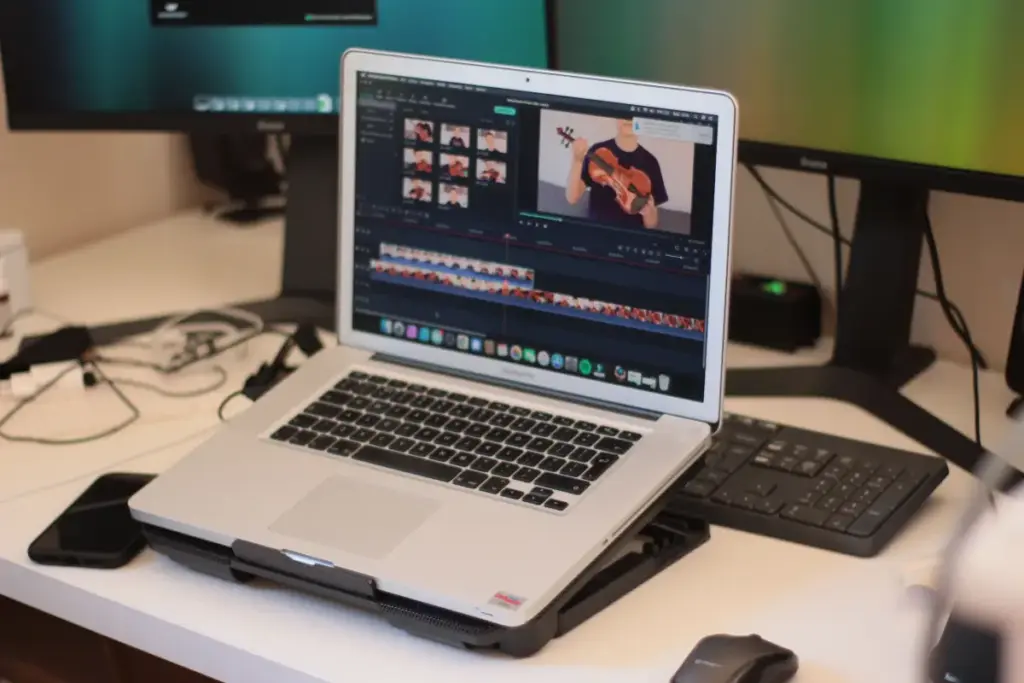
A small trick might lower your spending; whether you like short clips, low resolution, or drafts, these tricks come in all types. A few of the most credit-saving choices are below: short clips and low resolution probably use up fewer credits. Testing ideas at a tiny size is a draft step that often saves you credits before making a finished, high-quality video. It is one of the highly recommended steps across the globe: make a draft. The process is a first-person draft step with many ways to go big after that.
Which AI Models Are Inside Pollo AI?
It is one of the most renowned lineups in the industry, where you may spot engines from well-known teams in AI. The platform is a relatively new gathering, but it has been one of the most popular mixes of models in the world, along with its own creation. It is basically a strong and busy group where users come together for a model match.
Pika is a well-known model that stands out as one of those models. Pika Labs has had a detailed review since its first release, and it also has a lot of details to learn more. It is a single model with many credits available worldwide to help you decide where to use up your credits.
Every model inside the group is all about a different number of credits for each video created. Some lighter engines provide an amazing platform for using only a few credits, and the credit balance also contributes a lot. There are certain powerful models to keep in mind that can spend most of your balance very quickly. Your choice of model is all well and good until you pick the plan and affect your wallet almost as much. After that, if you press the generate button a couple of times, it becomes important to think carefully.
How Much Does Pollo AI Cost?
A free plan opens the door for anyone to try and is an amazing way to enjoy Pollo AI more. A small group of paid plans is a very slick move only if you stack above the free plan. There may be some level of the plan where you are stuck and cannot seem to find any solution to pay for each video alone, so credits fill every plan. These plans help you earn credits by doing various functions. Some plans even give credits while you use up these credits as you make new videos.
These are prices that appear here as of October 2026. Always double-check Pollo’s pricing page, and knowing the teams working on these AI tools is a great way to find the latest changes, since they often adjust their plans. You can visit Pollo’s pricing page or a plan to check prices and get the latest changes as well.
- Free: This gives you a small batch of starter credits, a watermark on exports, no commercial use, and limited parallel tasks.
- Paid tiers: It is a great way to unlock larger credit bundles, watermark-free exports, and commercial use rights on the higher plans with stepped monthly prices.
One thing is a critical aspect for many people. Whether using a monthly or annual plan, you can never go wrong by watching for most paid plans that probably erase unused credits at the end of each month. Any leftover credits can usually disappear once your plan renews and cut into your budget. However, you can easily watch your monthly use closely and have your budget enjoy every aspect of your credits. There are common lost credits to avoid, as lost credits usually mean lost budget.
What Does One Pollo AI Video Really Cost?
Taking on the real question is an integral aspect of few reviews. Whether reading a review or other first numbers, the first number you see almost never tells the real story about one video. There are various real cost figures, and a little math is pretty common.
To avoid this, try this and understand how trying this can change your real cost. It is advisable to pick your monthly price for the plan before calculating. Besides, there are multiple credits to look at, and many are included. To do this, know how many credits each video needs that you want to use. You can also divide your plan’s total credits by the credits needed for one video in case of doubts. Also, be mindful of the possible number of videos. Be cautious when taking the plan price and avoid dividing it by the number of videos you just found. Your actual cost for each clip occurs in division quite often.
Here is the shortcut: it happens when plan price divided by (plan credits divided by credits spent for each video) becomes the subject of the calculation.
And this is when some models show a huge price jump at the beginning of the calculation rather than at the end. The use of low and high options makes the change between them sound unclear and weak:
- Often, a lighter model uses fewer credits per clip, so a single plan stretches across many videos, pushing the cost per clip down low.
- This leads to a premium model with many credits per clip, resulting in the same plan producing only a handful of videos and pushing the cost per clip far higher.
To determine premium models in your plan, watch for premium models that might drain your credits much quicker. Also, higher models need more computing for more clarity. There are various longer, sharper, or smoother video results that probably come out in your model design, and you pay more to reach that level. The common mistakes include top models that spend several times more credits than a standard video, sometimes on the same subscription. Budgeting for bigger models really matters here and is difficult to understand.
Is the Pollo AI Free Plan Worth Using?
Avoid them by using free plans for testing only, and do not make them too long or too short. Free plans are never for polished work with easy-to-read content. The use of free plans gives a handful of credits and will put off many readers. Every export may only come marked. It is easy for tasks to stay limited when writing. Moving from free plans to paid plans and back is good enough for testing the platform’s features. Even the simplest free plans are not enough for anyone who needs clean footage for clients or social feeds.
There are many watermark questions that confuse plenty of people. One free export that carries Pollo’s name is blocking real professional use. Use paid plans to remove the watermark, but you may not own every usage right, even without the visible brand. Moreover, rights can sit with each separate plan. Certainly, check your permission level before selling anything you create.
If your main goal involves spotless videos, free AI video generators with no watermark are one of the most popular ways to improve software functionality. Exploring these tools first enables you to skip a fee you might not need yet.
Who Should Use Pollo AI and Who Should Skip It?
Next, you would use Pollo to suit creators, sellers, and marketers who want a collection of AI options in one place. Additionally, anyone flipping between different AI models, like those leading the industry, can take full advantage of having one subscription handling every engine at once since it has few defects. Moreover, choice will stand as the major attraction by ensuring each step is complete before moving on. You will benefit from using Freedom if your creative team has lots of projects.
Then, plan to skip Pollo if you want the same bill each month. Next, use credits to make your costs unpredictable. After this, Pollo might not fit if you always rely on a single model that already offers its own plan, often with simpler billing. This way, single-engine fans usually do not need the extra layer in the given workday.
Pollo AI Alternatives
This way, some platforms work another way. With this function, focused options, such as Pika, offer tools for basic video creation using only text or images, all with their own membership. Furthermore, someone sticking with one engine might find this approach more direct and easier to handle.
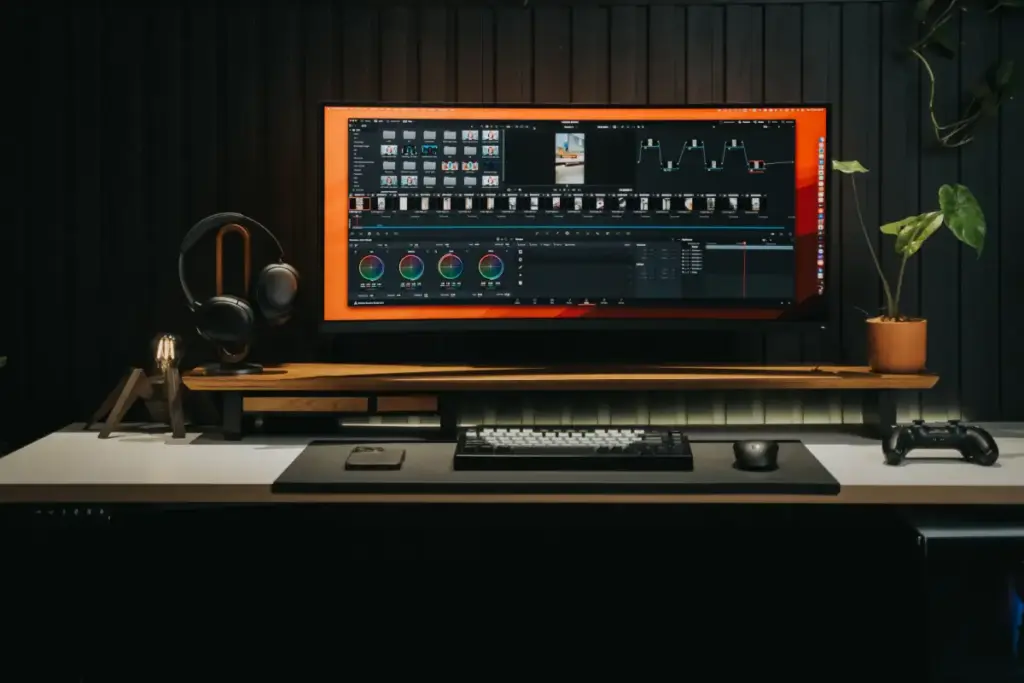
During this time, Runway provides you with a special kind of respect as development continues. Surely, consider the platform to combine video-making and editing tools. Of course, published details are another great choice to attract people who want much more than a basic video builder.
Definitely, look into Luma Dream Machine to improve software development functionality. This way, you can visualize its credits with a tier system and highlights flowing, realistic movement. Throughout this process, reaching Luma through the main website will provide you with clearer costs compared to using a larger platform as a middleman.
Pollo AI Compared With Pika, Runway, and Luma
Pollo AI is not the only way to access top AI video models, so it helps to see how it compares with the direct options. This table sets plans, free limits, and commercial rights side by side for Pollo AI, Pika, Runway, and Luma Dream Machine.
Pollo AI Video Generator FAQs
Q1. Is Pollo AI free?
This way, Pollo greets newcomers with a beginner tier that hands out a handful of trial credits. Additionally, you might explore the platform without paying at first. Moreover, free downloads come with a Pollo logo, and those just starting out probably notice that business use does not come with the free plan.
Q2. Does Pollo AI have a watermark?
And remember that videos made with no-fee accounts show a Pollo signature image. As with only premium subscriptions, you can easily remove the watermark, so your files become unbranded. Checking which membership unlocks this clean look before doing jobs for others will probably only save trouble.
Q3. Do Pollo AI credits expire?
Be sensible and realistic about unused credits from one cycle hardly ever carrying across to the next. Forcing credits to sit idle is only going to result in them usually vanishing at the end of the billing period. Planning generations each month is also super useful if you struggle to avoid seeing them go to waste.
Q4. Can you use Pollo AI videos commercially?
Rights for commercial projects attached to paying accounts instead of trial tiers can often be a problem for people who work alone or at home. And then ignore the fact that getting a watermark-free video does not always mean total business rights when you are working. Reading the detailed agreement for your level before you try to sell creations is a super important one.
Q5. Is Pollo AI good for text-to-video?
It is a tired saying, but it is true that strong text-to-video skills make Pollo stand out, partly because the platform brings together many models in a single place. “You might compare different engines easily, but testing top options uses up credits faster, leading to steeper real costs for each creation.”
Final Verdict on the Pollo AI Video Generator
Pollo AI likely deserves its role as a quick-access workshop wand that will help to revive you and allow you to produce better results. There is no doubt that inside one portal, builders receive strong models, several ways to share ideas, and devices supported on both browsers and phones. Still, as you will only be producing work that will need changing later on, things can get murky. Credits hiding the true fee and top models draining your account at surprising speed is often seen as an act of dedication. But it will not help if someone who cares most about having many choices may still find the balance suits them.
Trying the no-fee credits and checking the per-video cost for yourself does not always have to mean sleep; it comes first. It can simply mean rules for AI video change quickly, so returning to study the credit details now and then could be smart, just as MIT research on rapid video machines shows. Giving your mind a break will allow you to trust your test runs, then choose with confidence. Because AI video creation keeps getting faster, the credit rules and pricing of any single platform are worth rechecking from time to time.

Haroon writes about AI detection and content tools. He explains how these tools work and helps you use them the right way.