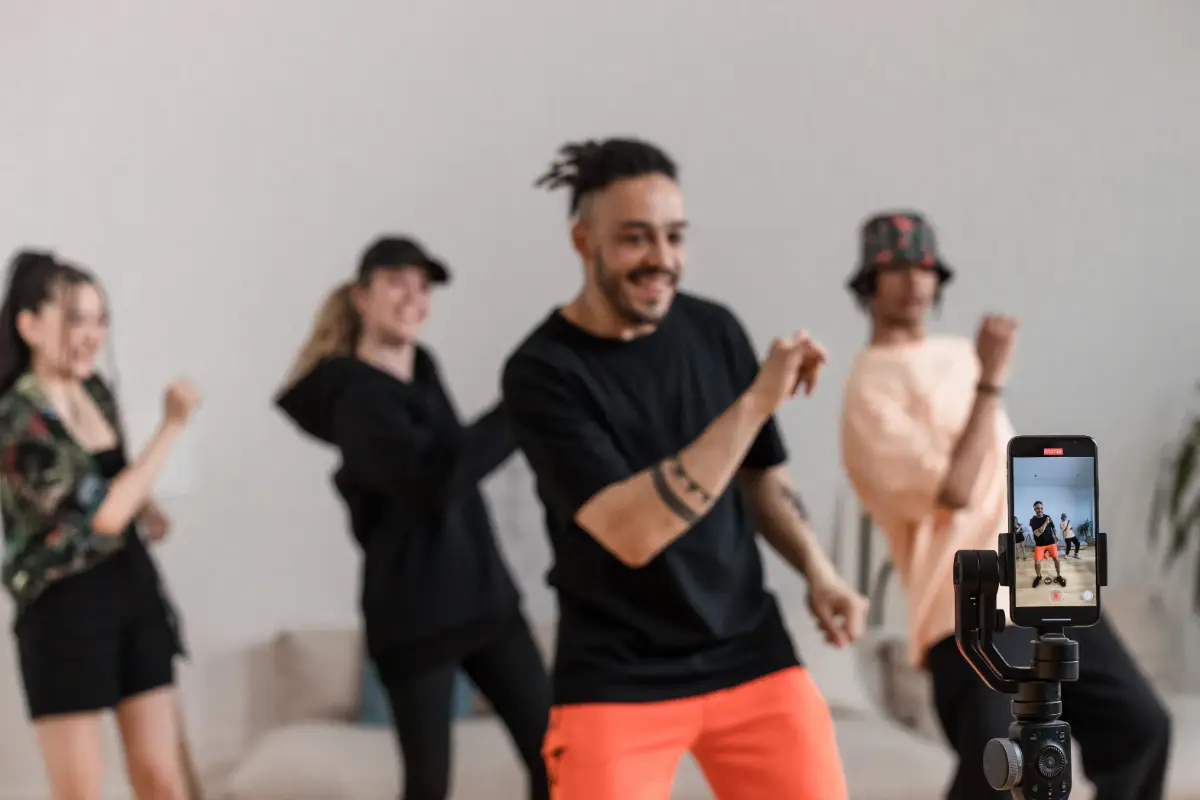
Earlier, when you have to make a dance vidoe, it took not only hours but days. First of all you have to watch the real videos, copy and remember the moves, and imitate the same while doing the rehearsal. Despite all these hectic and energy consuming efforts, you could not perform well. Nowadays, this is not like it was everbefore with these 10 best AI dance video generators for TikTok trends and other social media platforms.
What has changed? All you have to do is to give one single photo of yours to any one of these AI dance video generators and leave the rest to it. These tools are designed to create dancing videos in which you can dance like a professional dancers. The in-built media gallery allows you to select from hundreds of ready to use music and dancing video templates. If you ever came across any viral dancing video on TikTok now you know that not all of them are real.
How We Picked These AI Dance Video Generators
Every tool had to pass a hands-on checklist. The number and variety of templates available mattered, especially when tied to hot TikTok routines. Free options weighed heavily, along with how quickly each service could finish a clip. Watermark rules on no-cost exports played a part. How each company handles photos, especially faces, probably matters most for anyone worried about privacy.
1. Kling AI (Kuaishou)
Kling AI relies on something called Motion Control. This tech can shift real dance movement straight onto a picture or a custom character. Faces and bodies rarely lose shape, even when spins or fancy footwork appear. Many in the online world know Kling as the magic behind the famous AI Baby Dance. The newer Kling 3.0, which arrived in early 2026, probably fixed that clumsy foot sliding problem and made weight shifts look more real.
Pros:
- Extracts motion with high accuracy
- Handles complex dance choreography well
- Keeps character identity consistent
- Supports clips up to 30 seconds
- Drove viral TikTok dance trends
Cons:
- Customer support is often weak
- Credits lost on failed generations
- Intro pricing jumps after renewal
- Content censorship on sensitive topics
- Unused credits expire each cycle
2. PixVerse
PixVerse brings its users a set of special templates for AI Dance Revolution, all powered by its Motion Control option. The whole platform might revolve around TikTok dance memes, like the well-known AI Dancing Baby and that Pardon Dance. Anyone on a paid plan can use clips however they wish, not just for fun but even in ads or projects. Curious minds can find more about costs in our PixVerse pricing and tips summary.
Pros:
- Generates videos in seconds
- Easy to use for beginners
- Large viral template library
- Great for TikTok short clips
- Includes simple camera motion controls
Cons:
- Videos limited to short lengths
- Character look changes between clips
- Credits can run out fast
- Limited advanced editing control
- Occasional odd or distorted output
3. CapCut (ByteDance)
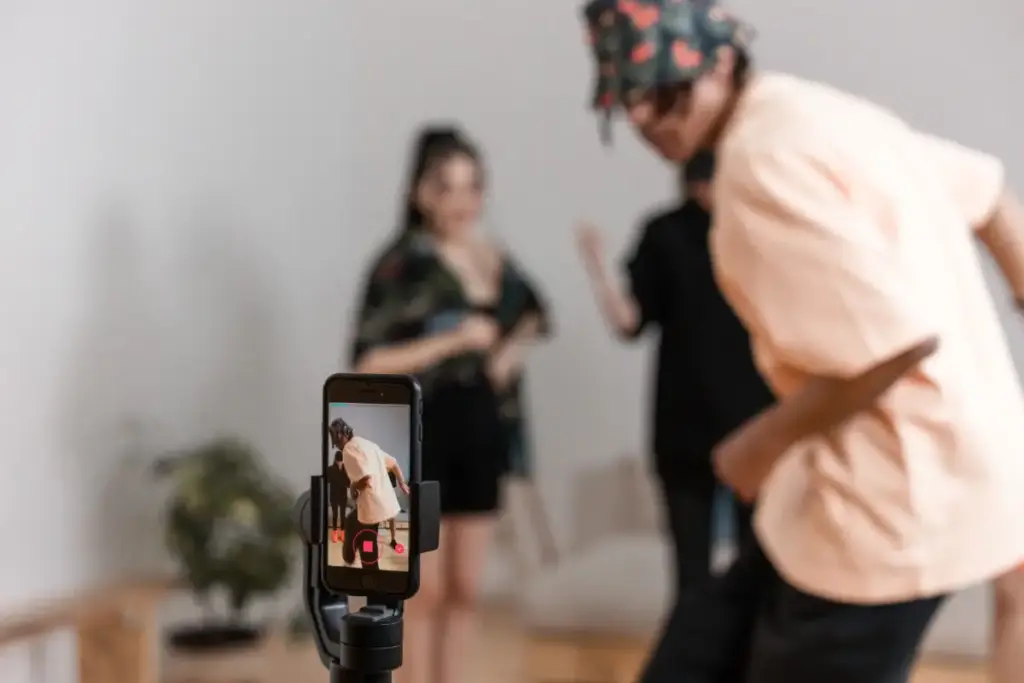
CapCut belongs to the wider family behind TikTok, known as ByteDance. Anyone using CapCut finds ready-to-use templates packed with viral music tracks and stunt challenges. These choices swap in and out often to reflect what the biggest stars are dancing to today. CapCut tends to stay right in the thick of the trend storm.
Pros:
- Built directly for TikTok
- Huge trending dance template library
- Free plan available to start
- Works on mobile and desktop
- Adds captions and effects easily
Cons:
- Watermark stays on free exports
- Pro features locked behind paywall
- Limited to one media track
- Some privacy concerns raised often
- Pricing details are inconsistent online
4. Viggle AI
Viggle AI changes a static photo to a grooving character, powered by a clever JST-1 physics engine. Backing comes from known names in startup circles. The free account lets anyone make a handful of watermarked dance clips every day. Anyone who wishes to skip brand marks can pay a few dollars a month for cleaner results.
Pros:
- Realistic physics-based motion transfer
- Keeps character proportions accurate
- Genuine free tier available
- Simple upload and generate process
- Backed by solid funding
Cons:
- Free videos include a watermark
- Commercial use needs paid plan
- Clips capped under 15 seconds
- Daily free credits are limited
- API access costs extra
5. Vidu AI
Vidu AI delivers a focused tool just for dance video magic. The system takes an ordinary photo and spins it into a full dance scene. Controls may let users change how wild the dance looks and how long the routine lasts, so everyone can find their favorite balance.
Pros:
- Excellent anime-style dance output
- Strong character consistency across clips
- Native audio generated automatically
- Longer clips up to sixteen seconds
- Cinematic camera control options
Cons:
- Free plan adds a watermark
- No commercial use for free
- Bad results still cost credits
- Refunds are hard to get
- Free tier resolution stays low
6. Media.io (Wondershare)
Media.io, by Wondershare, opens up a browser window to a library of AI dance tricks with favorites like Baby Dance or Tyla Dance. After logging in, free credits appear, letting anyone test the service instantly. Finished videos fit TikTok, Reels, and Shorts sizes right out of the gate. Cropping worries disappear.
Pros:
- Dedicated named viral dance templates
- Simple upload and generate steps
- Free credits offered at signup
- Exports sized for TikTok directly
- Reports of realistic motion quality
Cons:
- Free tier has real limits
- Results depend on photo quality
- Fewer advanced customization options
- Watermark likely on free exports
- Newer tool with less history
7. Vidnoz
Vidnoz relies on diffusion tech for its own free AI Dance Generator. Just one uploaded photo powers a whole dance clip. No paid plan sits behind the main tool, which probably makes Vidnoz a simple place for new users to give the idea a spin at no cost.
Pros:
- Genuinely free basic dance generation
- Smooth diffusion-based animation quality
- No payment required to start
- Large built-in template library
- Simple browser-based workflow
Cons:
- Credit pricing is fairly complex
- Unused credits expire monthly
- Free export capped at 720p
- Watermark appears on free downloads
- Extra features cost additional fees
8. Runway
Runway stands out as a powerhouse among AI video brands. Act-Two and Motion Brush features may give a creator the steering wheel. A person can direct the character’s moves by showing a sample performance through video. Enthusiasts who want every detail just right probably like this option. Tools that depend only on templates, on the other hand, rarely offer this level of hands-on touch.
Pros:
- Professional-grade motion capture tool
- Strong character consistency across scenes
- Advanced camera and motion controls
- Trusted, well-established video company
- Works from any driving video
Cons:
- Steeper learning curve overall
- More expensive than most rivals
- Free tier lacks commercial rights
- Less template-driven than rivals
- Requires more manual setup work
9. Pika Labs
Pika Labs holds the stage as a flexible AI video maker. Text to video and image to video support probably cover a vast range of needs. Its design does not revolve around dance. Still, a crowd of people use Pika Labs for quick social videos, dance included. More about that group behavior appears in the Pika Labs review.
Pros:
- Very easy for beginners
- Fast results in seconds
- No watermark on free plan
- Commercial use allowed for free
- Good for quick social clips
Cons:
- Longer videos become less stable
- Human movement can look unnatural
- Style may shift mid-video
- Limited to short clip lengths
- Less advanced camera control
10. Mango Animate
Mango Animate breathes life into pictures of people, animals, or cartoon figures, turning them into lively dance moments. Custom dance videos might fit perfectly when you want to copy a famous routine. That trick of using personal footage makes it possible to match an exact internet trend, skipping generic templates altogether.
Pros:
- Supports people, pets, cartoons
- Upload your own dance reference
- Keeps facial features consistent
- Handles illustrated characters cleanly
- Easy sharing to social platforms
Cons:
- Reference video capped at 30 seconds
- Free tier has daily limits
- Fewer reviews than bigger rivals
- Best suited for simple photos
- Realism varies by subject type
What Makes a Dance Video Generator Good for TikTok Specifically
Many video programs stumble in the world of upright, short videos. TikTok-focused creators probably look for a tool that nails a few essentials first. One wrong screen shape or a mistimed rhythm ruins a video instantly. A good option checks off a handful of basics and leaves frustration behind.
- Vertical aspect ratio export: A 9 by 16 frame fills the phone screen, so your vertical AI dance video looks native rather than boxed in.
- Beat sync with trending audio: Movement that lands on the beat feels intentional and reads better in the feed.
- Quick turnaround under five minutes: Fast rendering lets you test ideas while a trend is still hot.
- No watermark on free exports: A clean frame looks more professional and avoids clutter across the video.
Four factors sit at the heart of a TikTok-ready dance video. Pay attention to these, and your dance video blends right in. The next steps revolve around your image and music. A strong program smooths out the process so the best parts stay in your hands.
Is It Safe to Use Someone Else’s Photo for an AI Dance Video?
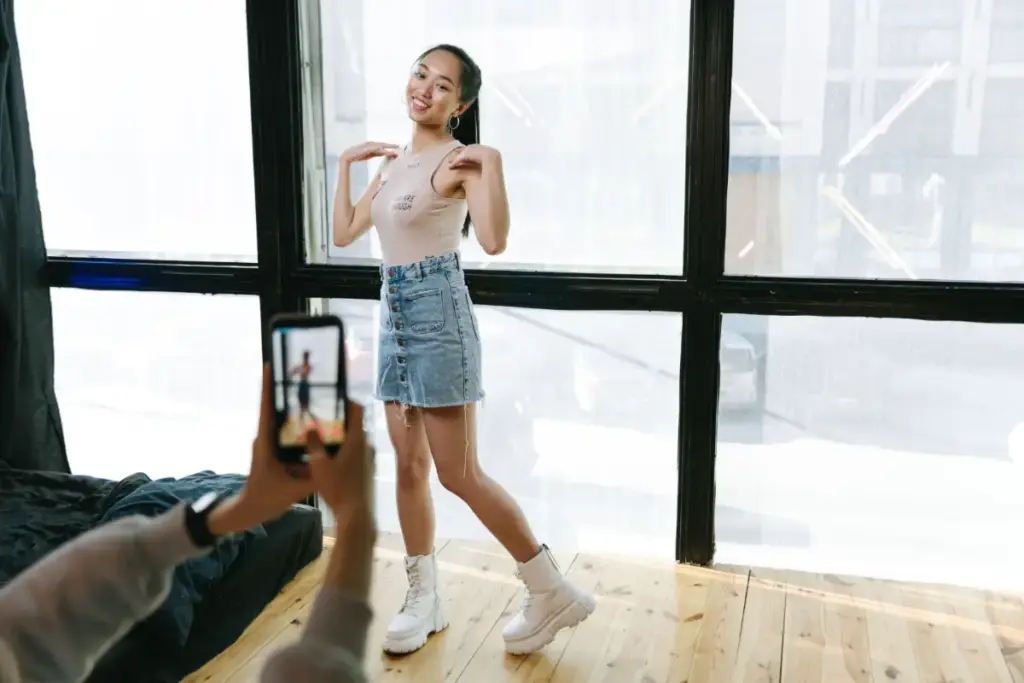
People wrestle with a common question about ownership. The simplest rule may keep everyone safe: pick only your own material or anything given with clear agreement. Some tools make character swapping easy, but a video starring someone else without permission might cross a red line.
Consent, in everyday terms, means the person in the picture knows about your plan and says yes. A quick message clears up most confusion. Animal and cartoon images rarely raise trouble, since no real humans show up. Unsure? Take a break and double check. Legal advice does not live here, but respect inside your projects keeps your videos safe. The Federal Trade Commission offers more digital image rules to explore.
Free vs Paid AI Dance Video Generators, What Changes
No-cost versions likely come with boundaries. Watermarks stick to every video. Daily credits often run out fast. Quality might dip with free plans, but sampling the tool stays possible.
Paid subscriptions tend to open new doors. Quicker results, more style options, and better quality start to appear after a person upgrades. Whether a jump to premium fits might depend on how often you post or the shine you want on every dance video.
Tips to Make Your AI Dance Video Look More Natural
The first image sets the entire video’s style. Sharp results probably depend on a careful start. Good motion copying usually needs a clear face or figure in the photo. Try these small steps before running the video generator:
- Use a clear, full body photo: A front facing shot maps motion more accurately than a side angle.
- Avoid extreme lighting or busy backgrounds: A simple scene keeps the AI focused on the person.
- Pick a dance style that matches the photo’s pose: A close match reduces distortion during motion transfer.
- Keep clips short: Shorter durations hold motion consistency far better than long ones.
Tiny choices create a better video in the end. Test one picture with a few different methods. You might spot what the app does well with only a few tries.
Comparison Table: AI Dance Video Generators
Picking a tool from a list of ten can feel overwhelming, especially when pricing and features vary so much between them. The table below lays out the free tier, watermark policy, starting price, and best use case for each tool side by side, so you can compare them at a glance before reading the full details.
Frequently Asked Questions
Q1: Are AI dance video generators free to use
A: Many services give a cost-free option. Free plans might show a company logo and probably limit how many clips you can make each day. Paying usually removes these blocks.
Q2: Can I use an AI dance generator without an account
A: Some websites let you look at a sample without joining. Most places probably want you to set up a user profile to export or save any finished clip.
Q3: Do these tools work with pet or cartoon photos
A: You may find a few tools doing more than people. Certain platforms bring animals and cartoon shapes to life, so clear snapshots of a pet or a drawn sketch often work as well as a person.
Q4: Is it legal to make an AI dance video of yourself
A: Using a personal snapshot is probably the safest route. Owning the image means you control everything, so there might be no worry about someone else’s permission if you appear in the animation.
Conclusion
Picking the right platform really depends on your actual goal. A person just chasing a short-lived internet craze might use a free place filled with pre-made layouts. Someone posting every week may want stronger features and clips without brand marks.
Everywhere, the software might keep growing smarter. Under each popular layout, the way sounds and movement turn into finished clips keeps improving. This progress likely explains why these videos look more polished with every upgrade. Try a no-cost test, use a personal photo, and let your results shape the next move.

Haroon writes about AI detection and content tools. He explains how these tools work and helps you use them the right way.