
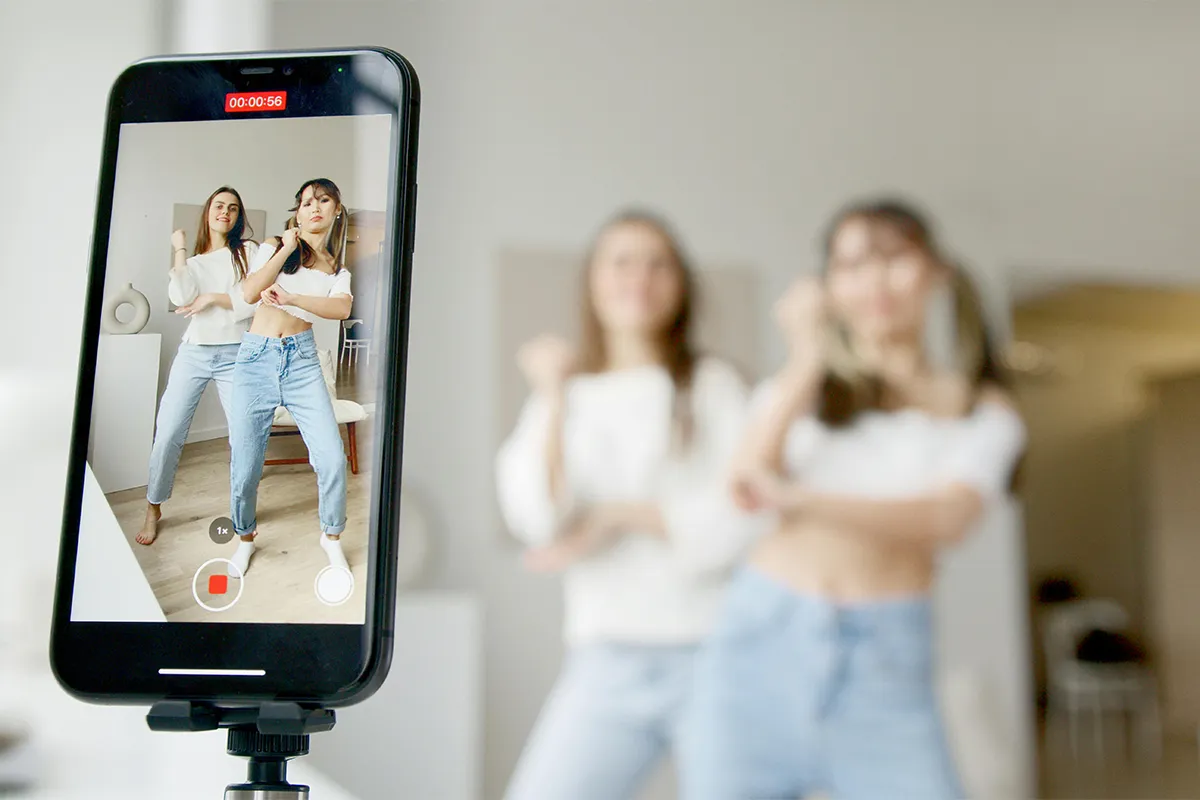
Have you ever come across a celebrity video promoting a random product or idea? This gives rise to curiosity about how such a big media figure can appear on a social media platform. The reason behind this is the best AI celebrity video generators worth using. If you want to make a similar video with your favorite celebrity and promote your own products or services, you must be looking for reliable AI video tools.
Here, reliability stands for perfect lip syncing, original voice over, HD video quality, and no watermark. If you search this on ChatGPT and other AI search engines, you will not get a reliable answer or a list of tested AI video tools. But don’t worry, we have tested these tools before presenting the list. Each tool has been checked for real video quality, pricing, features, and voice quality. You can pick any of them confidently after reading their review.
What These Tools Actually Do (and What They Do Not)
Before picking a tool, knowing what it actually does will save you a lot of frustration. These tools do not create real videos of actual celebrities. No real footage gets made, and no real celebrity is involved. Instead, an animated avatar is created that looks and sounds like a celebrity. A voice is added to match the avatar, and the mouth movements are synced to whatever script you type in. “Realistic” in the tool’s marketing usually just means the animation looks smooth. Most people can still tell it is AI-generated when they look closely. Now that this is clear, here is who actually uses these tools.
Who Actually Uses AI Celebrity Video Generators
Most articles skip this part and jump straight into the tool list. Skipping it is a mistake, though, because the right tool depends on why you need the video. Three very different types of people search for this keyword, and each one needs something different.
- Personal occasions: Birthday messages, anniversary greetings, and graduation surprises are the most common reasons people use these tools. Most casual users land on this keyword for exactly this reason. The video does not need to look perfect. Good enough to share in a group chat and make people laugh is all that is needed.
- Fan and entertainment content: Many social media creators use these tools to make parody clips, fan videos, or funny commentary content. Getting likes and shares matters more to these creators than making something that looks perfectly real. A voice that sounds slightly off is no problem when the idea behind the video is funny enough.
- Marketing and brand content: Some small business owners and marketers want their ads to have a celebrity feel without paying for a real celebrity. For these users, being able to download videos from free AI video generators without watermarks, choosing the right format, and making multiple videos quickly are the most important things.
Knowing which group fits your situation makes the rest of this article much easier to read. One personal birthday video does not need a tool designed for running full marketing campaigns. At the same time, a tool made for personal greetings will feel too limited for someone making content every week. Start with your reason for needing the video, then find the matching tool below.
The 7 Best AI Celebrity Video Generators Worth Using
Not every tool in this category actually delivers what its website promises. Going through all of them one by one takes a lot of time. Each of the seven tools below has been checked to make sure the features listed actually work the way they are described.
1. Fameo
Anyone making a personal birthday or greeting video will find Fameo the easiest and best option. More than 1,000 celebrities are available, including actors, musicians, athletes, and politicians. Lip sync quality here is better than any other tool on this list. A video is ready in about 30 seconds, which makes it easy to try a few versions before picking the best one. Power users who want to control things like lighting or voice style will find the customization options very limited, and that is the only real downside.
Pros:
- Excellent celebrity lip sync
- Very fast video generation
- Large celebrity voice library
- Simple beginner-friendly workflow
- No watermark on premium
Cons:
- The free version has a watermark
- Limited advanced editing tools
- No deep scene customization
- Paid credits run out quickly
- Built mostly for short clips
2. Pollo AI
Creators who need AI video generators with built-in translation will get the most out of Pollo AI. Dozens of languages and accents are supported, which no other tool on this list matches. Uploading a celebrity photo and typing a script is all it takes to get started, and the tool handles the rest. Lip sync quality is good, and generation speed is only slightly slower than Fameo. For anyone creating content for a global audience, Pollo AI is the clear choice.
Pros:
- Supports many languages
- Strong voice accent options
- Upload any celebrity photo
- Good lip sync quality
- Longer video mode available
Cons:
- Free credits are limited
- The credit system feels confusing
- Output quality can vary
- Slower on premium models
- Free videos may stay public
3. Revid
Short-form video creators making content for TikTok and Instagram Reels have a dedicated tool in Revid. Automatic captions, smooth transitions, and B-roll clips are all built into the editor. Videos are made for mobile screens, not cinematic quality, which is exactly what most social media content needs. Generating a first video requires no account or sign-up, which is very rare for tools in this category. Anyone who wants to test the output before committing to anything will find Revid the easiest place to start.
Pros:
- Built for short videos
- Excellent social media templates
- No signup for the first test
- Automatic captions included
- Made for mobile formats
Cons:
- Limited celebrity avatar options
- Less realistic than specialists
- Focused mostly on shorts
- Advanced editing is limited
- Higher price than some rivals
4. ImagineArt
Marketers and social media creators who care about how their videos look will get the most from ImagineArt. More control over the setting, the mood, and the style of the celebrity persona is available here than in most other tools. A reference image can also be uploaded to guide the overall look. Videos take 3 to 5 minutes to generate, which is slower than Fameo, but the extra control makes that wait worth it for anyone with a specific visual goal. Voice quality is not as strong as Fameo’s, but the visual results are better for branded content.
Pros:
- Strong visual style control
- Supports reference images
- Good branded content output
- Flexible scene customization
- Creative prompt-based workflow
Cons:
- Slower render times
- Voice tools are weaker
- Free tokens run out fast
- Learning curve for beginners
- Not built for speed
5. SendFame
Content creators who want to make videos, music, and images all in one place will find SendFame the most useful. Over 750,000 people already use it, and the celebrity library includes pop stars, athletes, politicians, and influencers. Generation is fast, and the whole process takes only a few clicks. One important note: the platform states clearly that its videos are for parody and personal use only. Using this tool for commercial promotion carries legal risk.
Pros:
- Creates video music images
- Large celebrity selection
- Fast content generation
- Simple easy workflow
- Great for entertainment use
Cons:
- Personal use focuses only
- Commercial use carries risk
- The free version is limited
- Lip sync trails leaders
- Per-video pricing adds up

6. BasedLabs
People who only need a video once in a while and want the simplest possible experience will feel comfortable with BasedLabs. Three steps cover everything: pick an avatar, write a script, and download the MP4. Nothing complicated exists in the settings, and there is very little to learn before getting started. Video quality is good enough for social sharing. Celebrity options are fewer here than on Fameo or SendFame, but for a quick one-off video, the simplicity is hard to beat.
Pros:
- Very simple interface
- Fast video generation
- Easy three-step workflow
- Good for quick projects
- Free daily credits offered
Cons:
- Smaller avatar library
- Basic editing controls
- Lower output flexibility
- Free exports have a watermark
- Not ideal for professionals
7. Weshop AI (Celeb AI)
Creators who want to describe exactly how their video should look, rather than choosing from a preset list, will prefer Weshop AI. Uploading a photo, writing a short description of the scene and style, and hitting generate is the full workflow. Things like the lighting style, background color, or overall mood can all be described in plain text, and the tool builds the video from that description. Content creators who switched to this tool reported cutting their production time by 85% compared to editing videos manually. Free access is available, making it a low-risk place to start for anyone curious about this style of creative control.
Pros:
- Prompt-based creative control
- Strong scene customization
- Text-driven video workflow
- Free plan available
- Good visual flexibility
Cons:
- Smaller user ecosystem
- Output quality varies
- Limited free credits
- Prompt writing takes practice
- Moderate generation speed
Side-by-Side Comparison Table
Going through seven tools one by one takes time, and most people just want the key facts in one place. Everything that matters for a quick decision is covered in the table below, including real current pricing for each tool.
| Tool | Best For | Free Plan | Watermark on Free | Celebrity Library | Output Speed | Paid Plans From |
|---|---|---|---|---|---|---|
| Fameo | Personal greetings | Yes, limited | Yes | 1,000+ | ~30 seconds | $10.90/mo (billed annually) |
| Pollo AI | Multilingual content | Yes, ~10 credits | Yes | Large, upload any photo | Moderate | $10/mo (billed annually) |
| Revid | Short-form creators | No sign-up required | No | Template-based | ~5 minutes | $39/mo (Hobby) |
| ImagineArt | Branded marketing | Yes, 50 tokens/day | Yes | Moderate | 3 to 5 min | $15/mo (Basic) |
| SendFame | All-in-one creators | Limited | Yes | Large | Fast | Paid only, per video |
| BasedLabs | Simple one-off videos | Yes, daily credits | Yes | Small | Fast | $20/mo (Creator) |
| Weshop AI | Prompt-based styling | Yes, limited credits | Not disclosed | Prompt-driven | Moderate | $9.99/mo (Basic) |
How to Pick the Right Tool Without Wasting Time
One question makes picking a tool much easier: what does this video actually need to do? Answering that honestly narrows the list down faster than comparing every feature on every pricing page. Most people fit into one of the six situations below, and each one leads to a specific tool.
- Personal birthday or greeting video: Fameo is the best starting point. Fast generation and strong lip sync quality make it easy to get a video worth sharing without spending much time.
- Fan or entertainment content for social media: Revid and BasedLabs are both good fits. Both tools are built for quick results without complicated steps, and Revid allows a first video to be made without even creating an account.
- Non-English or multilingual audiences: Pollo AI is the clear answer. No other tool on this list comes close to language variety and accent support.
- Video, music, and images all in one place: SendFame is the only tool here that covers all three content types inside one platform. For creators who want variety in their content formats, that matters more than perfect lip sync.
- Describing the scene and style yourself: Weshop AI is built exactly for this. Writing a description of what the video should look like, rather than picking from a menu, is the whole point of this tool.
- Marketing campaigns and branded content: ImagineArt gives marketers the most visual control. Setting, mood, and style can all be adjusted, which helps when a specific look is needed for a campaign.
Budget is the second filter, and the smartest approach is always the same: try the free plan first. Generating a video with the actual script and actual use case in mind quickly shows whether the output is good enough to share. Most people figure out the real limitations of a tool within the first two videos, and that is before any money gets spent.
Things to Check Before You Hit Generate
1. Watermarks on free celebrity video plans: These are common across almost every tool in this category. Most free versions add a visible logo or badge somewhere on the exported video. Checking for this before generating matters if the plan is to share the video publicly. Among all seven tools tested, Revid is one of the very few that removes the watermark even without a paid subscription.
2. Platform rules for AI video content: The rules differ on every platform. TikTok, Instagram, and YouTube each have their own policies about AI-generated content, and some of them require a label that tells viewers the video was made with AI. Reading the platform rules before posting a celebrity video publicly helps avoid having the video taken down.
3. Likeness rights: This is a topic most guides never bring up, but they matter. These tools use animated avatars, not real video of actual people. Still, using a celebrity’s likeness to promote a product or service without permission is legally risky in many places around the world. Personal videos and entertainment content are generally low risk. Using a celebrity avatar to advertise a business is a different situation entirely. SendFame says clearly on its platform that videos are for parody and personal use only.
4. Script quality affects lip sync results: This issue is more than most people expect. Short sentences with clear punctuation produce much better lip sync than long, run-on text. Writing a short test script and generating one video first, before buying a paid plan, is always the smarter move.
Conclusion
Personal videos and birthday greetings belong with Fameo. Short-form social media creators will find Revid the easiest free option to start with. Making video, music, and images all in one place is what SendFame does best. Marketers who need strong visual control over the output will get the most from ImagineArt. Starting on the free plan before paying for anything is always the right first step. Output quality is different enough between tools that a script that works well on one may not work well on another.
Before using any of these tools for promotional purposes, it is worth knowing that the unauthorized use of a celebrity’s likeness in AI-generated content raises serious legal concerns that researchers and legal scholars continue to examine closely.

Haroon writes about AI detection and content tools. He explains how these tools work and helps you use them the right way.