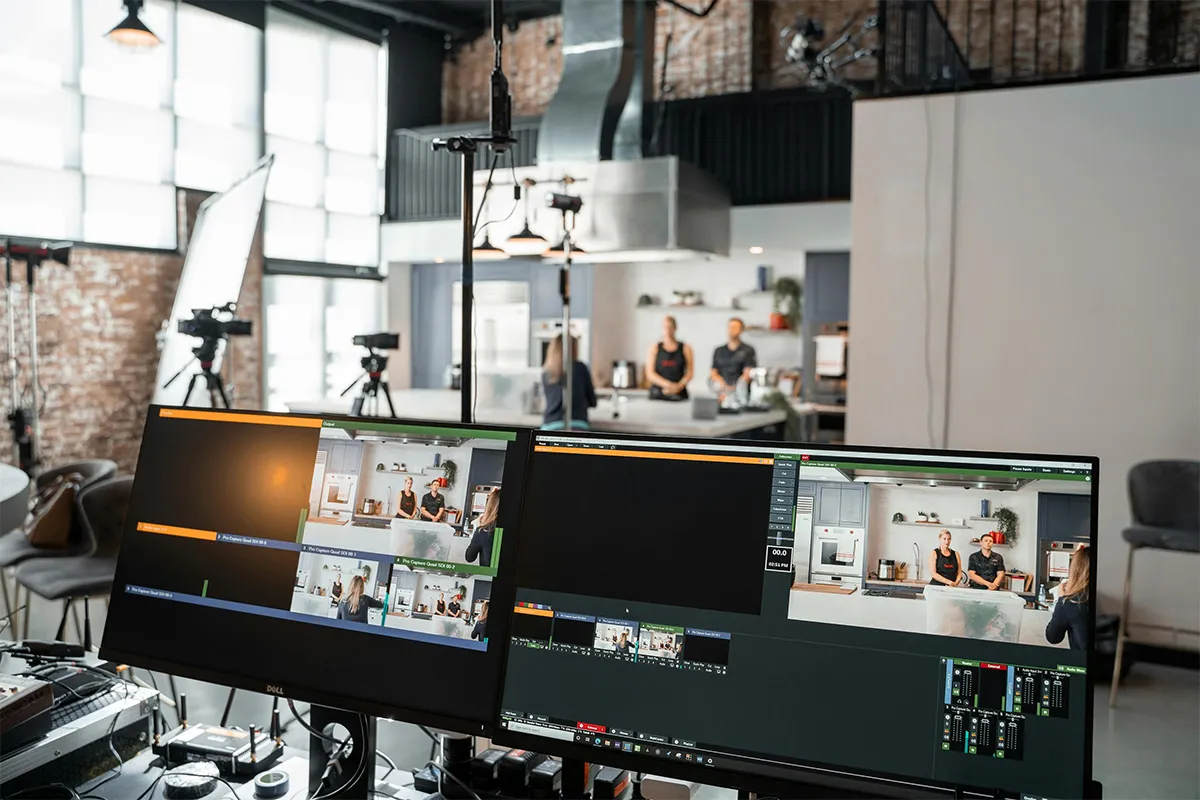
Video content creators are always switching and in search of good tools that can handle the workload with advanced features. These 9 best AI video generators with built-in translators can help you stay efficient, productive, and creative. Today, video content is one of the mainstream media to reach different audiences across the world. The industry is moving fast, and the demand is increasing rapidly. Competitors are making content at lightning speed, and competition is rising with every passing day.
But don’t worry. Where there are challenges, there are solutions. The AI has created more opportunities than hurdles. Now, there are AI video generator tools in the market that allow the perfect translation of the scripts. This helps you expand and reach the viewership from multiple regions in the world. It means, create one video and these AI video translator tools will generate subtitles, dub voices, and even match the lip movements to give it a natural look.
What Makes a True “Built-In Translator AI Video Generator”
A real AI video tool with translation must do a full video change, not just a text change. A full video in another language must feel natural in both sound and movement.
Many tools say they support translation. However, most of them only add subtitles. This is not enough because the spoken language does not change.
- AI Voice Dubbing: Spoken words must be changed into another language using AI voice. The sound should feel natural and easy to understand.
- Lip-Sync Match: Mouth movement must follow the new voice. If this does not happen, the video looks fake.
- Full Script Translation: A full script should convert into many languages in one step. No rewriting should be needed.
- Easy Automation: Most steps should run automatically after input is given.
- When all parts work together, videos can be used in many countries without extra effort. This makes global content much easier to create.
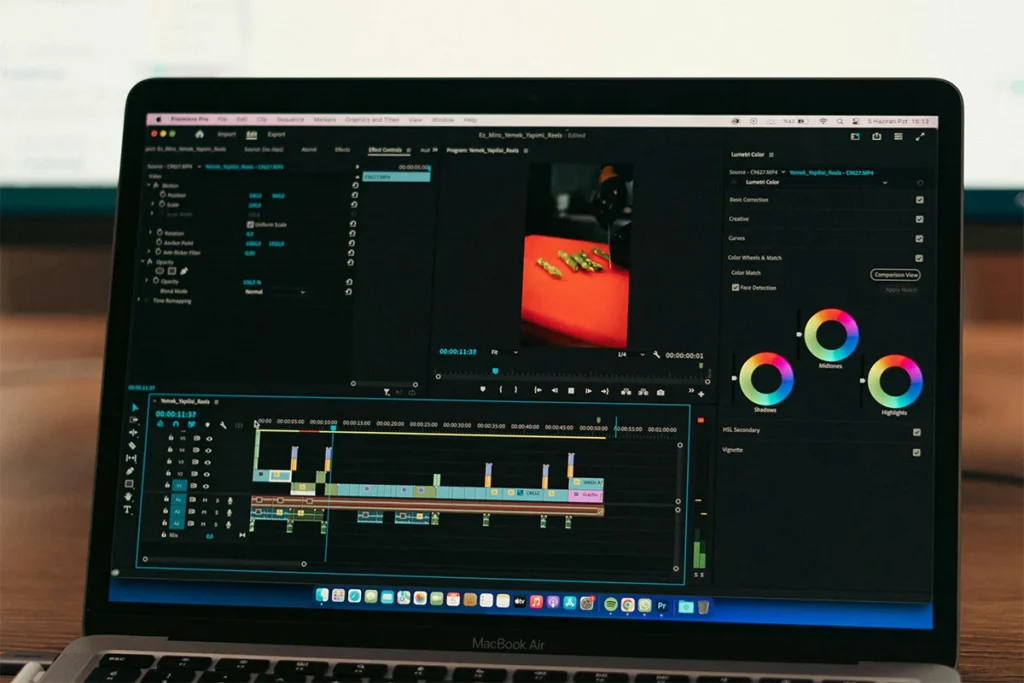
Key Evaluation Criteria (2026 Standard)
Choosing the right tool needs simple rules. Different tools give different results. Some focus more on voice quality. Others focus more on visuals. In 2026, users expect simple tools that give natural results in all languages.
- Translation Accuracy: Meaning must stay the same in all languages. The message should not change.
- Lip-Sync Quality: Mouth movement must match spoken words clearly.
- Language Support: Many real-world languages should work properly in the system.
- Avatar Quality: Digital characters must look natural and not fake.
- Speed of Work: Video creation should finish quickly without a long waiting time.
These points help users choose better tools. Real output matters more than marketing claims.
Top AI Video Generators With Built-In Translation
1. Synthesia
Synthesia is one of the most trusted AI video tools in the world. Many large companies use this platform for training and learning content. The tool turns written text into videos in many languages.
Designed mainly for business use, Synthesia focuses on stability and professional output. Companies use it for employee training and internal communication. One script can be reused to create videos in different languages without starting over.
The system works well for teams that update content often. Changing text and generating new videos is simple and fast. This makes it suitable for long-term use.
Pros:
- Strong enterprise video quality
- Very stable business platform
- Good multilingual voice support
- High-quality AI avatars
- Works well for training videos
Cons:
- Less creative flexibility
- High cost for small users
- Limited emotional expression
- Not built for casual content
- Rigid editing system
2. HeyGen
HeyGen is a fast-growing AI video tool used by many creators and marketers. Videos can be created with voice, face, and translation in many languages.
Simple input is enough. Users type text and choose a language. The system creates a full video in a short time without extra steps. Because of its natural results and fast speed, the tool is widely used for social media and online marketing content.
Pros:
- Very strong avatar realism
- Good lip sync quality
- Fast video generation speed
- Strong translation support
- Easy for beginners
Cons:
- Can feel slightly artificial
- Long videos may slow down
- Pricing grows with usage
- Limited deep editing control
- Not ideal for strict corporate workflows
3. DeepBrain AI
DeepBrain AI creates realistic video characters that speak different languages. These characters look like real humans and are used in professional environments.
Mostly used in business and media work, the platform is designed for formal communication. Creative entertainment use is not the main focus. Strong output consistency makes it suitable for corporate presentations and official communication videos.
Pros:
- Very realistic human avatars
- Strong corporate presentation focus
- Good multilingual output
- Stable video rendering
- Professional-looking results
Cons:
- Less creative freedom
- Higher pricing tiers
- Not beginner-friendly
- Limited casual content use
- Slower workflow at times
4. Colossyan
Colossyan focuses on learning and training videos. Schools and companies use it to convert written lessons into video format.
Simple editing allows users to update scripts easily. New versions in different languages can be generated without starting from scratch. This makes it very useful for training programs that change often.
Pros:
- Very simple training videos
- Good text-to-video system
- Useful for learning content
- Supports multiple languages
- Easy script editing
Cons:
- Basic avatar movement
- Less emotional expression
- Not strong for marketing
- Limited creative tools
- Visual style feels rigid
5. D-ID
D-ID turns photos into talking videos. An image can speak different languages using AI voice technology.
Simple and fast usage makes it popular for short videos and messages, especially for users who prefer free AI video generator apps for mobile. Beginners can use it without technical skills. Advanced features are limited, but it is useful for quick content creation.
Pros:
- Image to talking video
- Very simple to use
- Fast video creation
- Good for short clips
- Supports voice translation
Cons:
- Lower realism level
- Limited long video support
- Basic editing options
- Less stable lip sync
- Not for professional branding
6. Elai.io
Elai.io converts text into AI videos using avatars and supports translation into multiple languages. Small businesses often use this tool for simple video needs. No editing skills are required to create videos. Useful for product explanations and company updates in different languages.
Pros:
- Simple text to video
- Good for business updates
- Supports translation tools
- Fast video generation
- No editing skills needed
Cons:
- Basic visual quality
- Limited avatar realism
- Few creative options
- Not strong for branding
- Less advanced features
7. Hour One
Hour One uses virtual humans to create videos that speak many languages.
Commonly used in business communication and training materials. The system is designed for clear and structured messages. Works best in professional environments where simplicity and clarity are important.
Pros:
- Realistic virtual presenters
- Good for business use
- Supports many languages
- Clear training output
- Professional video style
Cons:
- Limited creative tools
- Higher pricing model
- Less flexible editing
- Narrow use cases
- Slow improvement updates
8. Rephrase.ai
Rephrase.ai focuses on personalized marketing videos. Customers can receive messages in different languages.
Mostly used in targeted campaigns rather than general video production. Best suited for customer communication and marketing personalization.
Pros:
- Good for personalized videos
- Strong marketing use case
- Supports multilingual output
- Simple workflow
- Good customer outreach tool
Cons:
- Very limited platform scope
- Not a full video editor
- Few creative options
- Narrow feature set
- Not beginner-focused
9. Synthesys AI Studio
Synthesys AI Studio creates avatar-based videos with voice in different languages.
Basic and simple usage make it suitable for beginners. Advanced features are limited compared to larger platforms. Best for small and simple video tasks.
Pros:
- Simple avatar video creation
- Supports voice generation
- Basic multilingual support
- Easy for beginners
- Quick video output
Cons:
- Low market popularity
- Limited advanced features
- Basic visual quality
- Few customization tools
- Not suitable for scaling
Feature Comparison Section
These tools are different in function, and many modern AI animation video generators focus more on visual appearance while still supporting translation features. Some focus more on voice quality, while others focus on visual appearance. Translation remains the most important feature. Some tools fully change voice and face movement together. Others only change voice. Natural-looking avatars increase trust and engagement in videos.
Strengths vs Weaknesses of Each Tool
Each tool has advantages and limitations. Large platforms like Synthesia and DeepBrain AI offer stable performance. However, flexibility is lower. HeyGen provides fast and easy video creation. Still, it may not suit strict enterprise systems. D-ID and similar tools are simple for beginners. However, they lack advanced control. Selection depends on user needs and goals.
Future of AI Video Translation
AI video translation will continue improving. Real-time translation inside videos will become common, similar to how AI translator earbuds already help people understand different languages during live conversations. Avatars will also express emotions in different languages. This will make videos feel more natural. In future systems, users will only write text, and full videos will be created automatically in many languages.
Which AI Video Translator Should You Choose?
Choosing the right tool becomes easier when the first step is to clearly understand the main purpose of the video. Each tool in this list is designed for a different type of task, so their use is not the same. Because of this difference, one single tool cannot work best for all people. A simple and clear match between what you need and what the tool does gives better results in real use.
- Training and Learning Use: When the goal is to make training videos or learning content, the need is usually for a simple structure and clear explanation. In this situation, Synthesia or Colossyan works better than others. These tools are built for organized content where information is shown step by step in a clear way. They help change written lessons or training notes into video format without making the process complex. After the video is created, it can also be changed into many languages without needing to rebuild everything again. This makes them useful for schools, companies, and teams that update learning material many times.
- Marketing and Social Media Use: When the focus is on marketing or social media content, the need is usually for faster creation and a more engaging video style. In this case, HeyGen becomes a better option. It helps create videos in a short time using talking avatars and translated voice. Many content creators prefer it because they can make videos for different countries without changing their full working method. The final result is easy to upload on social platforms and still looks natural for viewers from different regions.
- Quick and Simple Video Creation: When only basic or fast video creation is needed, simpler tools like Elai.io or D-ID can be used. These tools do not require technical skills or editing experience. A user only needs to provide text or an image, and the system turns it into a video in a short time. This makes them helpful for beginners, small tasks, or situations where speed is more important than advanced editing control.
The best choice always depends on what the user wants to achieve with the video. A tool that works very well for one purpose may not work the same way for another purpose. Understanding the goal first makes the selection process much easier and avoids confusion. In the end, choosing the right match between need and tool leads to better results with less effort and more clarity.
Comparison Table: AI Video Generators With Built-In Translator
| Tool | Best For | Translation | Avatar Quality | Ease | Main Strength | Main Limitation |
|---|---|---|---|---|---|---|
| Synthesia | Training and enterprise videos | Very strong | Very high | Easy | Best for corporate scale | Expensive and less flexible |
| HeyGen | Marketing and social media | Strong | Very high | Very easy | Best lip-sync realism | Usage cost can grow |
| DeepBrain AI | Business presentations | Strong | Very high | Medium | Most realistic avatars | Less creative freedom |
| Colossyan | Learning content | Strong | Good | Very easy | Best for training flow | Basic visual style |
| D-ID | Short avatar videos | Basic to medium | Medium | Very easy | Image-to-video feature | Weak for long videos |
| Elai.io | Simple business videos | Good | Medium | Very easy | Fast text-to-video | Limited advanced tools |
| Hour One | Corporate communication | Good | High | Medium | Professional virtual humans | Limited flexibility |
| Rephrase.ai | Personalized marketing | Medium | Good | Easy | Customer targeting videos | Narrow use cases |
| Synthesys AI Studio | Basic video creation | Basic | Low to medium | Very easy | Simple beginner tool | Not for scaling |
Conclusion
AI video tools that include translation inside the same system are making video creation much easier for everyone. People do not need to record the same video again for different languages, which saves a lot of time and effort. This simple change helps beginners, small creators, teachers, and businesses share their message with people in many countries. One video can now work for many audiences without extra editing or technical steps.
A better result comes when users clearly understand what they need before choosing a tool. This aligns with ongoing developments where AI video generation is expanding across industries such as education, marketing, and entertainment, reflecting its growing practical applications. Some tools are better for learning and training content, while others work better for marketing or fast social media videos. This difference is important because it helps users avoid confusion and get better output. When the right tool is used for the right task, the video looks more natural and works better for viewers.

Haroon writes about AI detection and content tools. He explains how these tools work and helps you use them the right way.