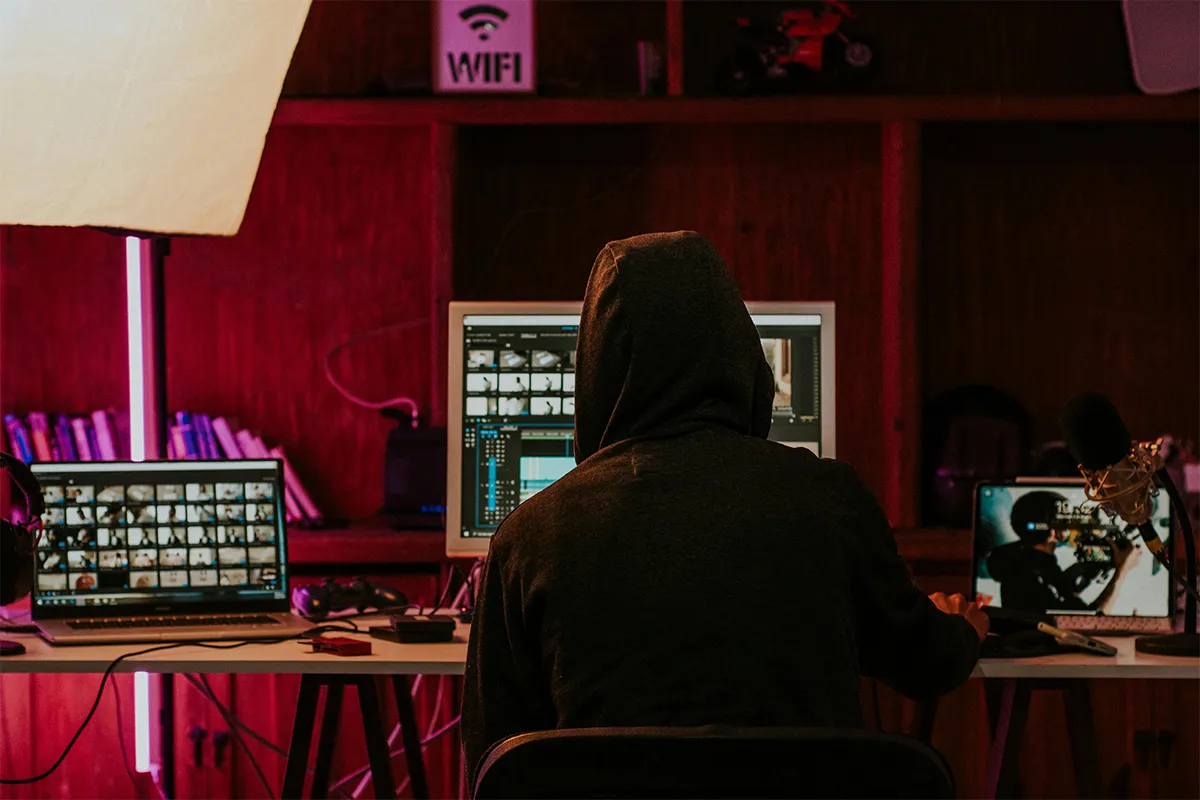
Video content creation has grown rapidly with the rise in AI video applications. Almost all the content creators are now using AI video tools to make videos for their viewers. This is cost-effective, and it requires little effort compared to making them manually. All you have to do is just give a good prompt, and the tool will handle the rest. In such a scenario, an uncensored AI video generator has been in demand. As the various social media platforms allow you to upload uncensored videos to get significantly higher views. Now the question arises, what is an uncensored AI video generator, how it works, what are the limitations, and what are the possibilities?
If you are looking for a good uncensored AI video generator, then you should be mindful of its content rules, privacy policy, output quality, watermark limits, pricing, and overall safety before choosing one. In this post, we will look into how these tools work and their capabilities, such as prompt freedom, content rules, watermarking, commercial use, trust level, and output quality. After learning about these factors, you will know if your tool is offering what it claims or what the real situation is behind the label.
What Does “Uncensored AI Video Generator” Mean?
An uncensored AI video generator is usually a tool that makes videos from text, images, or prompts. Compared to normal AI video tools, it usually has fewer limits.
In very simple words, this label is often used for tools that say they offer:
- More freedom in prompts
- Fewer automatic blocks
- More style options
- More creative control
The word “uncensored” is often a marketing word. It is not always the full truth.
Even with this label, many platforms still have rules. In some cases, moderation systems are still used. At the same time, limits may still apply to some users, prompts, or results. So, an uncensored AI video generator online may look fully open, but in real use, it may still block some prompts, outputs, or actions.
Why This Topic Matters More in 2026
AI video creation has grown very fast. A few years ago, many tools were slow. Others were hard to use. Many were also very limited. Now things are different. Today, users can make short clips, animated scenes, talking avatars, and brand videos much more easily.
With this growth, more people now search for tools that claim to give more freedom. For this reason, searches like free uncensored AI video generator 2026 and AI video generator without strict filters are becoming more common.
This topic matters because users want two things at the same time:
- Strong creative control
- Clear limits and honest rules
If this balance is missing, people may spend time on tools that sound very good but do not give what they expect.
Why People Search for These Tools
The reason behind people searching for this tool is not always the same. Different users search for different reasons.
1. Fewer wrong blocks:
For many users, fewer wrong blocks are important. Often, they feel that normal AI tools block safe prompts too often. For example, they may want to make fantasy scenes, dark stories, mature themes, or uncommon art ideas. But then the tool blocks the prompt. Because of this, users look for tools with fewer limits.
2. Want more privacy:
For some users, privacy matters a lot. Others want tools with fewer account checks. In many cases, fewer warning messages also matter to them. That is one reason why searches like uncensored AI video generator with no sign up are growing.
3. Freedom for real projects:
Not every search is about shocking content. Many creators, marketers, and designers also use AI tools for video editing and want more room to test ideas. They want more control over the final result. So, for them, an uncensored AI video generator for creative projects sounds useful and practical.
How These Tools Usually Work
Most AI video generators work in almost the same way.
Step 1: The user gives input
This input may include:
- Text prompt
- Uploaded image
- Reference style
- Short script or scene idea
Some tools mostly work from text prompts. Because of that, users also search for an uncensored AI video generator from text prompts.
Step 2: The model reads the request
First, the AI reads the prompt and makes a visual plan. Next, it decides what should be in the scene. After that, it chooses how the background may look. Then, it plans how the motion may happen.
Step 3: The system builds video frames
The tool makes many frames. After that, it adds motion between them. At this point, the quality of the tool becomes easier to see.
Step 4: The final clip is made
Then the output is exported as a short video. Many tools still place limits on things like:
- Length
- Resolution
- Watermarking
- Daily credits
- Editing controls
What Makes These Tools Different From Standard AI Video Platforms?
The main difference is often in the filtering step.
Regular tools often block prompts before the video is made. On the other hand, platforms marketed as the best uncensored AI video generator for beginners often allow more prompts first. Later, they may apply limits.
This does not mean they have no limits at all. In many cases, it only means they are less strict at the first step.
Here is the simple difference:
Standard tools often put stronger moderation first. So-called uncensored tools often allow more prompts first.
This difference matters for users who feel that normal platforms block too many safe ideas.
Common Misunderstandings About “Uncensored”
Many people misunderstand this word in this topic. Because of that, they may expect the wrong thing.
Misunderstanding 1: Uncensored means no limits at all
In most cases, this is not true. Most tools still block some kinds of content. This is even more true when the topic includes legal problems, fake identity use, privacy abuse, or harmful material.
Misunderstanding 2: Uncensored means private
A tool may allow more prompt freedom, but it may still collect data. For example, it may save prompts. It may also keep uploads. In some cases, account activity may be logged too. So, privacy should always be checked separately.
Misunderstanding 3: Uncensored means high quality
A tool can be less strict and still produce weak output. More freedom does not always mean better motion, clearer faces, or more stable scenes.
Misunderstanding 4: Uncensored means free
This is not always true either. Some platforms use the word “free” to get clicks. But after that, the main features may be behind a paid plan. Some tools may also add watermarks or export limits. That is why phrases like uncensored AI video generator free without watermark get a lot of attention.
Are These Tools Really Free?
In some cases, they are free in a small way. Still, many times they are not free in a full way.
Many platforms offer one of these:
- A free trial
- Daily credits
- Short test videos
- Low-resolution exports
- Watermarked results
Because video generation costs a lot for platforms, truly free use is often very limited. So, if a website says the tool is free, users should still check what that really means.
Before using any tool, it is smart to ask these questions:
- How long can the video be?
- Does it include a watermark?
- Is a sign-up required?
- Can I export without paying?
- Are uploads stored on the platform?
These details matter more than the headline promise.
What Risks Should Users Understand?
Anyone who explores this area should think about more than features. It is also important to think about risks.
1. Privacy risk: If a user uploads personal images or types private prompts, the platform may store that information. Some people want an uncensored AI video generator for private use because they want more control. But even then, they still need to check the platform carefully.
2. Legal risk: Certain kinds of content can create legal trouble. This risk becomes higher when real people, fake depictions, or misleading media are involved, such as a Trump AI video made to mislead viewers.
3. Quality risk: Many small tools make big promises. But later, they may produce weak motion, poor consistency, or unstable output.
4. Platform reliability risk: At times, new websites appear quickly. Soon after that, they attract users with bold words. Later, they may change their rules, reduce features, or even disappear. Because of this, many people also search for safe, uncensored AI video generator alternatives instead of trusting one unknown platform.
Who Uses These Tools?
The audience for these tools is wider than many people think. These tools may be used by:
- Independent creators
- Marketers
- Designers
- Storytellers
- Video testers
- Small business owners
- Researchers who follow AI media trends
For many of these users, the goal is not extreme content. Instead, the real goal is flexibility. They want to test ideas, scenes, and styles without too many blocks.
That is why interest also grows around phrases like realistic, uncensored AI video generator tools. Users want something useful and practical. They do not want only a bold label.
How to Judge an Uncensored AI Video Generator Carefully
A careful user should look past the hype. After that, the tool should be judged by what it really offers.
1. Check the policy page: A big marketing claim does not mean much if the rules are hidden or unclear.
2. Test the output quality: Look at motion, face consistency, scene flow, and image clarity.
3. Review export limits:
Check for:
- Credit caps
- Time limits
- Watermarking
- Resolution restrictions
4. Check privacy terms: Find out if prompts, uploads, and created videos are stored.
5. Compare promise and product: Many sites show polished demo videos. The same thing can happen with AI thumbnail generators, where demo results may look better than what normal users get. In that case, the tool may be giving a warning sign.
What Is the Real Answer in 2026?
This is the short answer. By 2026, an uncensored AI video generator usually means a video tool that says it gives fewer limits and more freedom in prompts than regular AI video platforms.
The longer answer is a bit different. In many cases, the term sits between what users hope for and what the platform really gives. A lot of tools are less restrictive, but they are not fully open. A few are useful. Others are overhyped. In some cases, the tool feels flexible, but the quality is still poor. There are also powerful tools, but hidden rules may still exist.
If someone asks what an uncensored AI video generator is, the best answer can be said in a simple way:
It is usually an AI video tool that is promoted as having fewer content limits, but users should still check the real rules, costs, privacy terms, and output quality before they trust the label.
Uncensored AI Video Generator at a Glance
| What to Check | Why It Matters | Good Sign | Warning Sign |
|---|---|---|---|
| Prompt freedom | This shows how much the tool lets you create before it blocks a prompt. | The rules are clear, and harmless prompts are not blocked too often. | The site says “no limits,” but many prompts still fail without a clear reason. |
| Content rules | Almost every real platform still has rules. | The policy page is easy to find and easy to understand. | The site uses bold claims, but the rules are hidden or vague. |
| Watermarking | Watermarks affect how useful the final video is. | The site clearly says when a watermark appears and when it does not. | You learn about the watermark only after export or payment. |
| Credits and limits | Many tools limit length, quality, or the number of generations. | Credit limits, video length, and resolution limits are shown before you start. | Limits are unclear, or free use is too limited to test the tool properly. |
| Privacy | Users may upload images, prompts, and private ideas. | The privacy page clearly explains what is stored, shared, or published. | The site does not clearly explain data use, storage, or deletion. |
| Publishing controls | Some users want private creation, not public sharing. | You can keep videos private unless you choose to publish them. | The platform pushes public posting, or privacy controls are hard to find. |
| Real-person safety | Rules around real faces and consent matter a lot. | The platform clearly requires consent for real-person uploads. | The tool sounds open, but it says little about consent or misuse. |
| Commercial use | This matters if the reader wants to use the video for work or business. | The platform clearly says whether commercial use is allowed. | Usage rights are missing, vague, or buried in legal text. |
| Output quality | Freedom is not enough if the video looks weak. | The sample videos and user results show stable motion and clear visuals. | The site makes big claims, but ordinary results look poor or inconsistent. |
| Trust level | A helpful tool should be clear, stable, and honest. | The platform explains pricing, rules, quality, and privacy in plain language. | The site relies on hype words like “uncensored” and “free” more than on real details. |
Conclusion
An uncensored AI video generator may sound simple, but the real meaning is not always simple. In many cases, this label is used to show more freedom, fewer prompt blocks, and more ways to create videos. Still, this does not mean the tool is fully open, fully private, or fully safe. Some tools may allow more than others, but many still have hidden limits, unclear rules, watermarks, weak results, or data concerns. Because of this, it is better to look past big claims and see what the tool really does.
A better way is to check these tools carefully before choosing one. It helps to look at the content rules, privacy terms, video quality, price, export limits, and trust level. In this way, users can avoid tools that sound good but do not fit their real needs. This is also why misleading video clips should be checked with care before they are trusted. In the end, the best tool is not only the one that says it is the most open. The best tool is the one that gives good results, clear rules, fair value, and enough control for the kind of video a person wants to make.