When you’re building a brand, there’s usually a moment where things get a little blurry. You know the vibe you want, you might even picture a few ideas in your head, but turning those thoughts into an actual logo can feel confusing. And that’s completely normal. Sometimes all you need is a set of visuals to react to, so the direction becomes clearer.
Seeing your ideas on the screen changes the whole feeling of the process. Instead of trying to force a picture in your mind, you get something real to react to. Maybe a color combination suddenly feels right, or a small detail sparks a direction you didn’t expect. Sometimes you end up liking something completely different from what you imagined. And that’s the part people don’t talk about enough: how much easier branding becomes when you’re not working in the dark, but actually responding to visuals that help you understand your own taste.
How the Two Tools Compare
BrandCrowd and LogoAI.com help you with this part of the brand creation process. BrandCrowd lets you explore a wide range of ready-made designs, while LogoAI.com creates new concepts based on the words you give it. Both tools can help you move forward: you just get to choose the style of experience that feels more comfortable for you.
#1. BrandCrowd.com
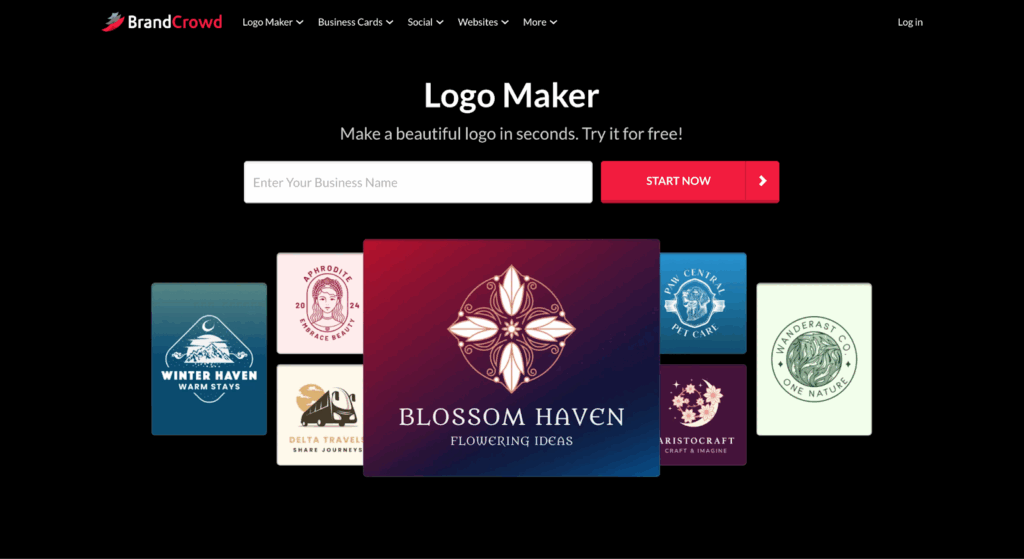
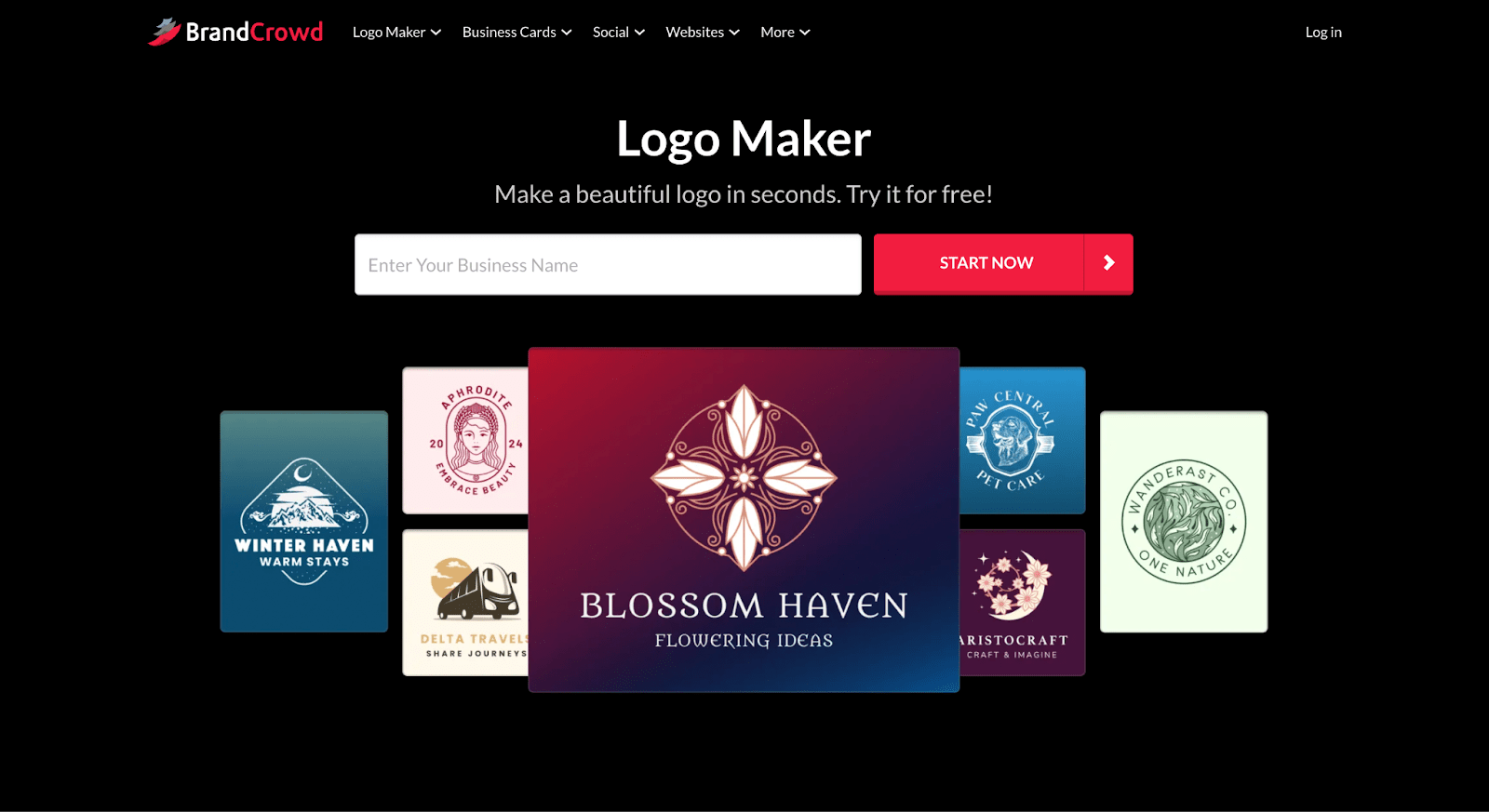
BrandCrowd.com lets you explore logo ideas without getting stuck. You enter your brand name, and the platform shows a wide range of designs you can adjust right away. Editing is simple: change colors, fonts, layouts, or shapes in a few clicks, so you can refine a look without needing design experience.
Beyond logos, BrandCrowd includes a large library of templates for social posts, presentations, menus, posters, and more. You can test everything for free, save your work, and only export these extra assets with a paid plan. Free logos come with full file packs, which makes it easy to use them across your website, packaging, or social channels from day one.
What You Get with BrandCrowd
- BrandCrowd gives you a diverse creative library to work with: 300K+ logo templates, 1M+ design templates, and thousands of shapes and styles to explore.
- You can play with 62K+ vector shapes and choose from 750+ fonts, including 525 exclusives, to create your brand the way you want.
- Free logos come with complete file packs: SVG, EPS, PDF, PNG, JPG, GIF, MP4, plus transparent and icon-only versions for flexible use.
- The built-in tools cover more than just logos: try the website builder, digital business card maker, and link-in-bio pages without paying anything.
- All templates and design tools are open for exploration; you only need a paid plan when exporting non-logo assets.
- Extra branding helpers are included, too, like the AI logo generator, business name generator, background remover, and over 50 more tools.
- If you want full rights to a logo, you can purchase exclusive ownership through the platform.
- Free logos can be edited exactly like premium ones. You can change colors, adjust layouts, swap shapes, and try new fonts easily.
Why It’s a Strong Choice
With BrandCrowd, branding is a lot more manageable, even if you’re starting from zero. You can choose from dozens of logo ideas, customize them with just a few clicks, and create matching brand materials, all within the same platform. Because the editor is so simple and has so many free tools, it’s easy to put your brand visuals together and feel confident moving forward.
#2. LogoAI.com
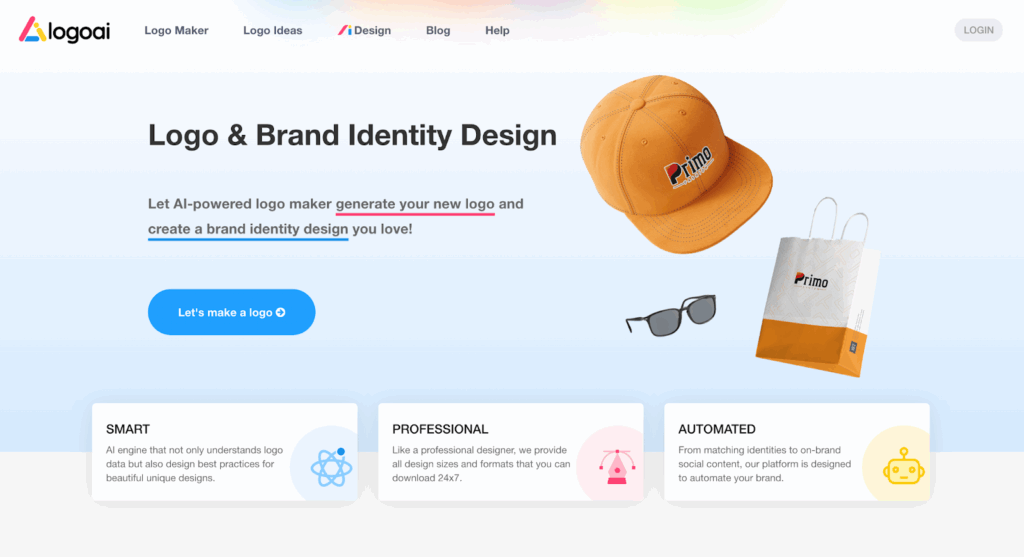
Logoai.com is ideal for people who like their logo creation process fast and straightforward. You enter your brand name, pick the style you like, and the AI generates a set of fresh drafts for your logo. You can adjust colors, fonts, and small details, but the heavy part is on the platform.
Once the logo is ready, Logoai.com automatically builds matching brand materials around it. You can create business cards, simple social graphics, and short logo animations that follow the same visual style. All the tools and features you might need to improve and finalize your logo are included, so there is no need for any additional setup or external tools.
What You Get with LogoAI.com
- The AI creates original logo ideas from scratch, giving you new concepts every time.
- You can enter a few details about your brand and get usable designs within minutes.
- The platform suggests color palettes, font pairings, and simple brand guidelines to keep everything consistent.
- Files are available in formats suited for websites, printing, merch, and other everyday uses.
- You can also make quick extras like business cards, logo animations, simple images, and short branded clips.
- The system is built to keep layouts neat and balanced, so your final logo feels polished without much editing.
Why It Works Well
LogoAI.com keeps the entire flow short and simple. You get usable concepts fast, without needing to adjust dozens of elements or test every combination yourself. It’s a practical option for new brands, small businesses, or anyone who prefers a guided process that leads to a finished logo and matching brand materials with very little back-and-forth.
| BrandCrowd | LogoAI.com | |
| Creative approach | Works with a huge library of templates you can adjust. | Generates brand-new concepts based on your preferences. |
| How much you edit | Plenty of control: change fonts, colors, shapes, and layouts. | Quick edits: choose a concept and make small tweaks. |
| Logo files you get | Full download pack: vectors, transparent versions, icon-only, and more. | Files prepared for web use, printing, packaging, and merchandise. |
| Brand extras | Dozens of tools for social posts, presentations, menus, flyers, and websites. | Matching business cards, simple posts, logo animations, and small video tools. |
| Design resources | 300K+ logo templates, 1M+ designs, 750+ fonts, 62K+ shapes. | No fixed library. Every option is freshly generated by AI. |
| Free access | Free logos + free website builder, digital cards, and link-in-bio publishing. | You can preview designs for free; downloading requires a paid plan. |
| Support | 24/7 chat and email support; multi-language; local currency. | Standard online support with guidance through the AI workflow. |
Which One Is the Best Fit?
Finding the right tool is a lot easier when you permit yourself to simply try things out. Open each platform, test a few ideas, and notice which one feels more comfortable for you. Sometimes the right choice isn’t the one with more features; it’s the one that makes the process lighter and more enjoyable.
As you explore, don’t worry about getting everything perfect right away. Most great branding starts with a small idea that grows after you’ve seen a few options on the screen. Let yourself react to what you see, follow the styles you naturally lean toward, and allow the process to guide you a little.
Whichever tool you end up choosing, think of it as a starting point, a simple way to turn your early ideas into something real. A bit of curiosity and a few minutes of experimenting are usually all it takes to find a direction.